How to Create Product Demo Videos from Images
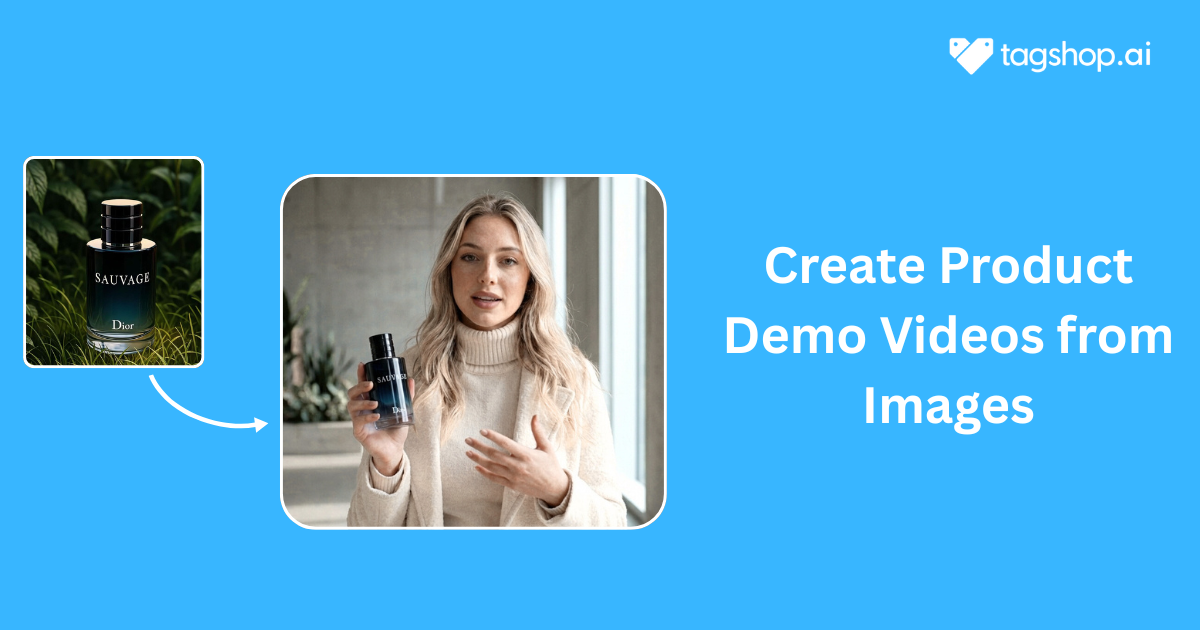







You might have a bunch of decent product images sitting in a folder. Maybe even really good ones. But every time someone says, “You should do a video,” your brain immediately jumps to cameras, lights, scripts, reshoots, budgets, and that one shoot where nothing went as planned. Been there.
The thing is, video doesn’t have to be that dramatic anymore. You can actually create solid, convincing product demo videos from images you already have. No filming, no crew, and no chaos. But yes, they can still look professional and convert. This is exactly how it works. Read on!
Why Create Product Demo Videos from Images?
Before getting into tools and steps, it’s worth understanding why this approach is catching on so fast. This isn’t some shortcut trend that looks cool for a week. There are very practical reasons brands are moving this way.
No Video Shoot Required
The biggest relief here is skipping the video shoot entirely. No planning dates, no setting up lights, no trying to make a product look perfect under pressure. If you already have product photos, you’re good to go. This alone removes one of the biggest barriers that stop teams from even trying video in the first place. And this really matters because video marketing isn’t optional anymore, as about 83% of consumers want to see more videos from brands this year.
Faster Production Time
Traditional videos take time, even when everything goes smoothly. Someone has to plan it, shoot it, edit it, review it, and usually redo parts of it. Creating product demo videos from images cuts most of that out. You can create a video the same day you get the idea, which is incredibly useful when timelines are tight or trends move fast. Given that 74% of marketing teams use explainer or product videos because they help engagement, it’s no wonder brands want quicker ways to produce them.
Lower Cost Compared to Traditional Video Creation
Video budgets can spiral quickly. Equipment, talent, editors, revisions, and suddenly one video eats up a big chunk of your marketing spend. Image-based demo videos are much lighter on the wallet. You’re reusing existing assets and relying on software instead of manpower, which makes scaling way easier.
Ideal for Product Launches, Ads, and Landing Pages
Demos need to be clear, quick, and persuasive, and videos on landing pages can increase conversion rates by up to 80%. These videos fit perfectly into places where attention is limited. Product launches need speed, ads need clarity, and landing pages need explanation without overload. Demo videos made from images do exactly that. They show, explain, and move on, which is honestly what most viewers want.

What You Need Before Creating Demo Videos
Even though this method is simple, going in completely unprepared can still lead to average results. A little setup makes a noticeable difference.
High-Quality Product Images
This part is non-negotiable. Your video can only be as good as the image you start with. Clear, sharp, well-lit photos work best. If the image already looks trustworthy on a product page, it will usually translate well into video. Blurry or poorly cropped images will just look worse once animated.
Clear Product Use Cases or Features
You should know what the video is trying to say before you start. Is it highlighting one standout feature? Showing how the product is used? Solving a specific problem? When this isn’t clear, the video feels scattered. When it is clear, everything else becomes easier.
A Short Demo Script or Storyboard
This doesn’t need to be fancy or formal. A few lines written the way you’d actually explain the product to someone work fine. Think intro, main feature, benefit, and a simple call to action. Even rough notes help keep the video focused instead of all over the place.
Brand Elements (Logo, Colors, Fonts)
Such things are often skipped by people, and then they wonder why the video has that “off” feeling. Using your logo, brand colors, and fonts makes the demo more like your brand. It also creates trust, especially when first-time viewers are watching you.
Step-by-Step: How to Create Product Demo Videos from Images (Using Tagshop AI)
Turning images into demo videos sounds complicated until you actually do it once. Then it feels almost suspiciously easy.
With a tool like Tagshop AI, you don’t need technical skills or editing experience. You just need a clear idea of what you want to show.
Step 1: Log in to Tagshop AI
Start by logging in to your Tagshop AI account. If you’re new, the dashboard is clean and easy to navigate, so you’re not stuck figuring out where things live. Everything you need for video creation is clearly laid out, which already saves time before you even start.
Step 2: Go to the Assets Generator
After Log in Tagshop AI account. Go to Assets generator section.
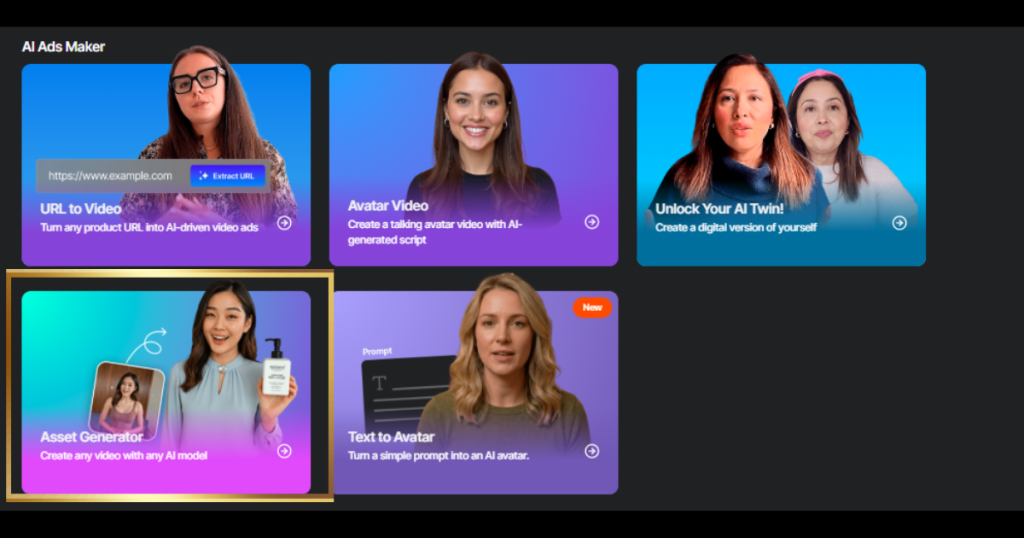
Step 3: Go to the Image-to-Video Section
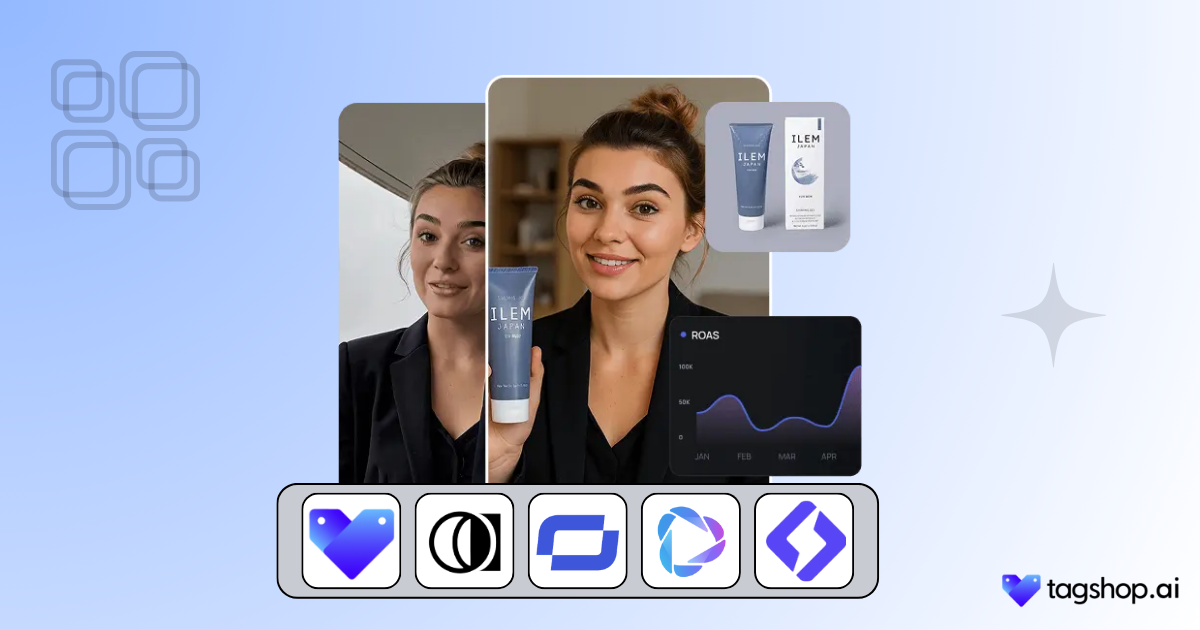
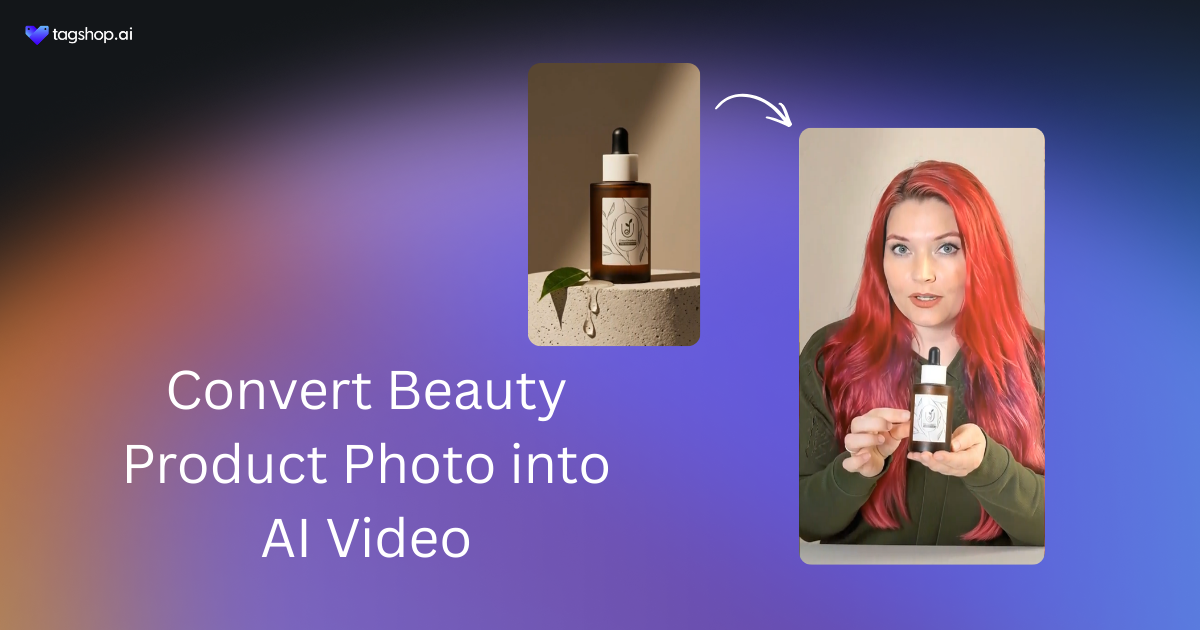
From the dashboard, head straight to the Image-to-Video section. This is where Tagshop turns static product images into dynamic demo videos. You don’t need to set up projects or timelines here. The workflow is built specifically for transforming images into ready-to-use videos.
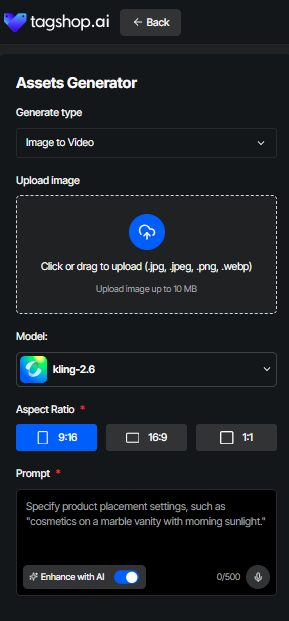
Step 3. Upload Your Product Image
Start by uploading your product image into Tagshop AI. Pick a photo that clearly shows the product and doesn’t need a lot of explanation just to understand what it is. High resolution helps, but more important is clarity. If someone can instantly tell what they’re looking at, you’re on the right track.
Step 4. Pick a Template or AI Avatar
This is where you decide how the product is presented. Some products look best with clean, minimal templates. Others benefit from an AI avatar explaining things visually. Tagshop AI gives you options, so you’re not forced into one style. Think of it as choosing the tone of the conversation rather than just a design.
Step 5. Add Text or Captions
Now comes the messaging. Add short captions that explain what’s happening or highlight key features. Don’t overdo it. Most people are watching without sound, but they’re also not reading essays. One clear idea per screen works much better than cramming everything in.
Step 6. Customize Music or Voiceover
In a way, sound adds a lot to the presentation. This is why you could consider adding background music that would create the atmosphere or a voice-over made by AI for the product explanation. However, keep it as natural as possible. In case it sounds too theatrical or mechanized, it would divert attention from the product rather than reinforcing it.
Step 7. Generate and Export
After getting everything right, generate the video and export it in the formats you need. The video is ready without any extra editing steps, whether it is for social media, ads, or a website. This is where the whole process really pays off, because what used to take days now only takes minutes.
The best part is that you can quickly make changes. Change the text, use another template, or develop several versions without having to start over.
Real-World Use Cases
This approach isn’t theoretical. Brands are already using image-based demo videos in very practical ways.
Ecommerce Product Demos
For ecommerce, these videos help customers understand the product faster. Instead of relying only on images and descriptions, a short demo video shows features and benefits in a way that feels more real. This often leads to better engagement and fewer confused buyers.
D2C Ad Creative
D2C brands need fresh creatives constantly. Image-based demo videos make it easy to create multiple ad variations without reshoots. You can test different hooks, captions, and formats while keeping production fast and affordable.
Marketplace Listing Videos
Many marketplaces now favor listings with video. Adding demo videos created from images helps products stand out and gives buyers more confidence. When people know what they’re getting, they’re more likely to buy and less likely to return it.
Final Thoughts
Creating product demo videos from images isn’t about cutting corners or being lazy. It’s about using what you already have in a smarter way. If you’ve got product photos, you already have the foundation for video content that can sell, explain, and convert.
Tools like Tagshop AI remove the technical barriers and make the process approachable, even if you’ve never made a video before. If you’ve been putting off video because it felt like too much work, this is honestly the easiest way to start.
Take your images, turn them into demos, and let Tagshop AI handle the rest.
Written by:

Neeraj is passionate about reshaping brand storytelling through AI-powered UGC videos. As the Founder he helps brands unlock authentic, creator-style video content that drives results - without the traditional time, cost, or complexity. His approach blends AI innovation with marketing performance to scale engagement efficiently.
 Add Tagshop.ai as a preferred source in Google Search





 Introducing

 Wan 3.0 is now live on Tagshop AI