Best AI YouTube Video Generators – Top Tools Reviewed
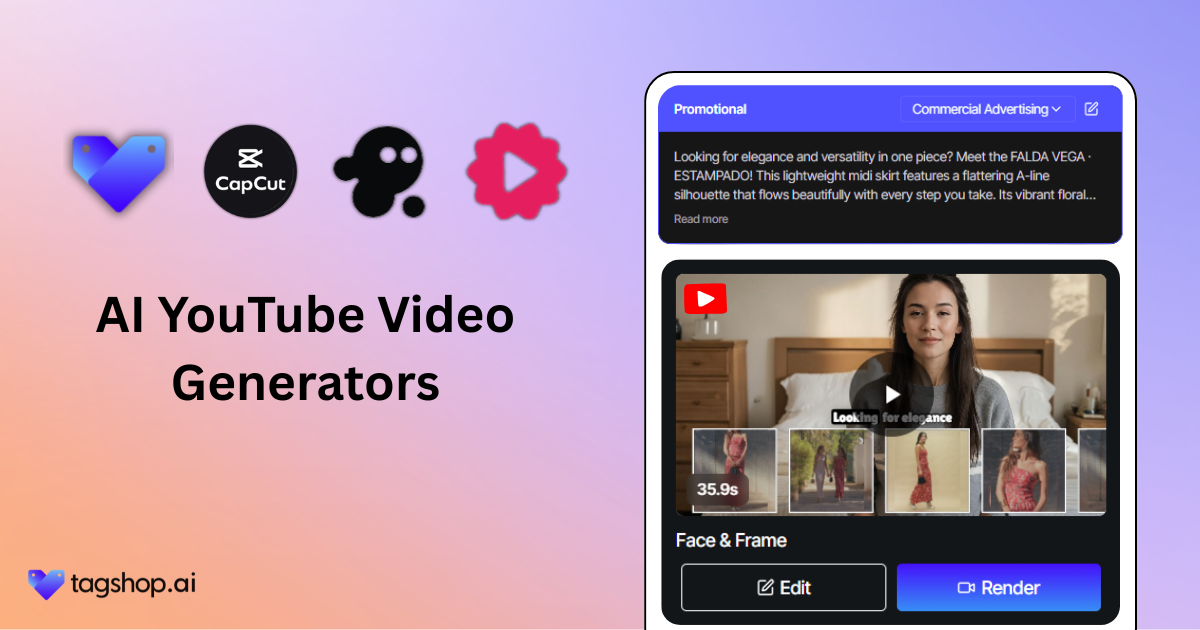
In 2026, speed is important. While you’re still hiring teams or spending hours editing every YouTube video, your competition may already have five uploads ahead.
Today’s most innovative marketers and ecommerce brands aren’t waiting; they’re using an AI YouTube video generator to pump out content fast, on-brand, and optimized for clicks.
Be it repurposing product pages or turning blogs into binge-worthy videos, these tools can do in minutes what used to take weeks.
Below, we break down the eight best AI YouTube video generators built for serious growth. If that’s something you would be interested in, read on!
What is an AI YouTube Video Generator?
An AI YouTube video generator is a tool that turns your raw content, scripts, blog posts, product pages, and even long-form videos into polished, ready-to-publish YouTube content. It handles everything: visuals, voiceovers, editing, and formatting.
Most importantly, you don’t need a camera and crew; you feed it the input. It builds a video that looks pro and sounds natural.
With AI-powered tech, you can easily generate YouTube-ready content, be it repurposing a product tutorial, turning a blog into an explainer, or launching a new campaign video. Simply, you have a full-stack video team inside a single tool.
Perfect for creators who want speed. Essential for marketers who want to scale. And a game-changer for brands and educators looking to stay consistent without burning out.
8 Best AI YouTube Video Generators for 2026
| Tool Name | Best For | Key Features | Price (Per Month) |
|---|---|---|---|
| Pictory | AI video summarization & editing | Automatic video highlights, script-to-video, captioning | $25 |
| Capcut | Mobile-friendly video editing | Templates, effects, transitions, easy export | $89 |
| Tagshop AI | End-to-end AI video ads | URL → script → avatar → video, multi-platform ads, automation workflow | $23 |
| InVideo | Quick video creation for social media | Templates, stock library, text-to-video, transitions | $25 |
| Steve AI | AI video generation for marketing | Script-to-video, animated characters, voiceovers | $39 |
| Fliki | Text-to-video & voice AI | Voiceovers, stock video library, auto subtitles | $28 |
| Zebracat | AI social media videos | Video templates, quick edits, automated captions | $39 |
| Veed io | Online video editing & AI tools | Subtitles, effects, auto translation, collaboration | $29 |
Here’s a detailed breakdown of the 8 best AI YouTube video generators that you should try in 2026 —
1. Pictory

Pictory turns your long-form content into bite-sized YouTube videos. Drop in a webinar, Zoom call, or podcast, and it slices out the best moments automatically, no editing skills needed. It’s built for marketers who want to repurpose without wasting hours in timelines.
Top features:
- AI video summarization that auto-selects key highlights and removes fluff.
- Auto-captions with high accuracy for better accessibility and retention.
- Stock visuals and music added contextually to boost engagement.
- Text-to-video generators if you want to start from a script instead of raw footage.
Great for: Repurposing webinars, podcasts, and meetings
Best for: Converting long videos into short YouTube content
Pricing: Starts from $25/month
2. Capcut
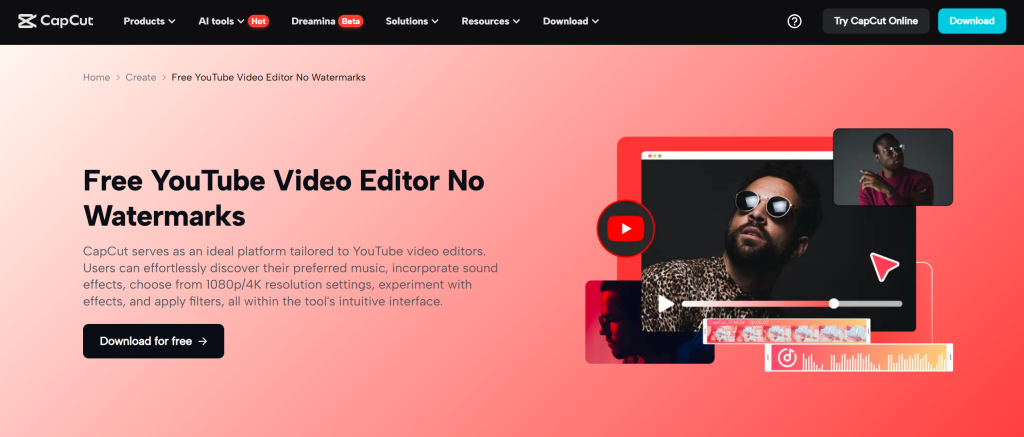
CapCut brings TikTok-style speed and polish to YouTube content creation. It’s lightning-fast, packed with templates, and tuned for creators who want visual flair without the post-production chaos. From AI cuts to cinematic effects, it’s a serious weapon for short-form dominance.
Top features:
- This AI YouTube ad generator offers auto-editing so you can trim, clean, and sync videos with just one click.
- Users get built-in transitions, effects, and caption features to improve video quality.
- There’s a massive template library that offers hooks, intros, and branded scenes.
- Users don’t need any third-party tools for voiceovers, music, and subtitles.
Great for: Influencers, content creators, fast-moving brands
Best for: Turning raw footage into polished YouTube content fast
Pricing: Paid plan starts from $89
Must Read: Best AI YouTube Ad Generators
3. Tagshop AI
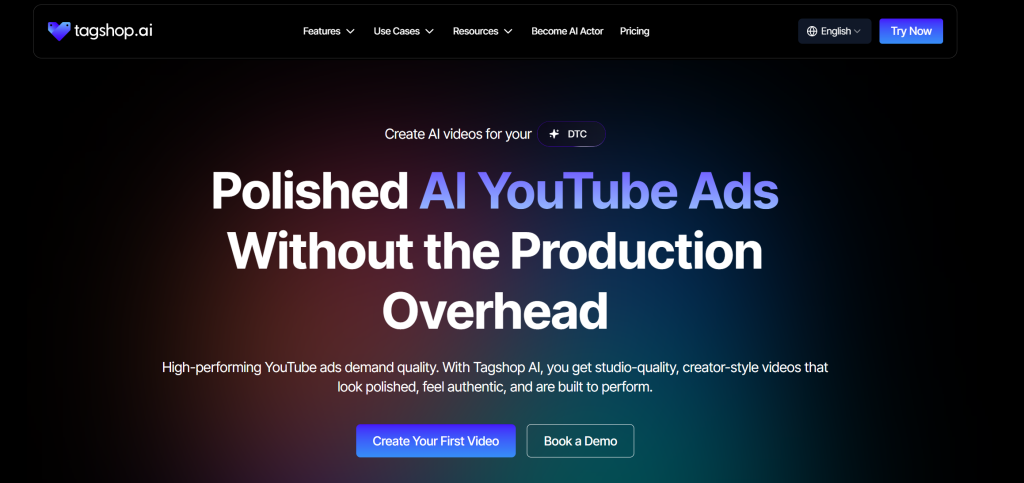
Tagshop AI is an AI UGC video ad generator built specifically for brands that sell. Users just need to paste the product URL, and the tool will generate compelling, YouTube-ready videos in minutes. No shoots or studios required. It generates real user-generated content with AI avatars that sound and look just like real humans.
Top features:
- AI avatar that talk like real customers and drive trust instantly.
- URL-to-video automation, just paste a URL, get a full video with script, voice, and visuals.
- YouTube ad-ready formats, including hooks, CTAs, and auto-captions.
- Realistic voiceovers and subtitles are generated without needing external tools.
- AI script generator to create multiple creative scripts
Great for: Brands, ecommerce channels, product reviews
Best for: UGC-style product videos from URLs
Pricing: Starts from $23/month


The video you created for us truly exceeded our expectations - it's fantastic!
"Every frame was not only engaging but also beautifully crafted, clearly showing the high level of creativity and effort that went into its production. We achieved CTR of over 2%, and with a cost per click of just $0.20, the effectiveness of your work is undeniable."
Esma E.
Influencer Marketing

Seamless AI UGC video and image generation tool
"I work in the API security space, but I have always been curious about exploring different AI tools whether for generating images, videos, or creative content. UGC is something every brand needs nowadays, and I have tried many AI video tools. What I like about Tagshop AI is its simplicity. It’s easy to use, not complicated, and even someone without an AI background can get started quickly. That makes it a very user-friendly AI UGC video tool."
Sivan Michaeli-Roimi
VP Marketing @Pynt | Founder of Heyou.io

Best image to Product holding video generator for me
"I used Tagshop AI 2 days ago. Create an ai ugc product holding video with the tool. I have literally found the tool easy to use, with no complex functionality inside it. They have their own image generation model, where you can first generate a product image or upload one, and then you can also create a video for the same product. I like this idea, pretty cool, but let’s see how I can move to their plan."
Alon Michaeli
Head of Revenue AI at DealHub

Avatar looks realistic. Helpful to generate high-quality ai ugc videos.
"I've been using Tagshop AI as an AI ugc video generation tool for 1 month, and it's working well for me. I love the variety of avatars in their avatar library. The best part I have got in this tool is their editor, simple and clean look, and easy to use. Now, I don't need to switch tabs to edit the video."
Yuliia Kolomiiets
VP of Marketing

Multi-lingual features in the tool are pretty amazing.
"As my targeted audience is from the USA, Germany and Italy, their multilingual feature is helpful in this situation. I can create multiple avatar videos in different languages. So this is the benefit when you are targeting a wide audience."
Anirudh
Head of Digital Marketing

Time Saving and Affordable Tool
"The tool is super quick while creating the ai ugc videos. I like the editor within the tool, you don't have to switch to another tab."
Stephen Mathew
Marketing Manager

AI influencer becomes easy to create with Tagshop AI
"With the Tagshop AI, I have created a set of AI avatar videos that are now working for my clients. I am happy that I have found the fastest way to create AI avatars. The tool is quick and easy to use. I mean beginner-friendly, even a non-ai person can also operate this."
Kazi Mainuddin
Content Marketer

4. InVideo
If you seek speed, scale, and premiumness without spending a hefty amount on a production crew, InVideo is a good choice. With InVideo, editing YouTube videos becomes quite easy and simple, as you just have to drag and drop.
Top features:
- Script-to-video conversion with built-in voiceovers and visuals
- 10,000+ pre-made templates designed specifically for YouTube videos
- Brand kit tools to keep your fonts, logos, and colors consistent
- Team collaboration features for shared editing and feedback loops
Great for: Agencies, startups, solo creators
Best for: Turning scripts and ideas into pro-level YouTube videos in minutes
Pricing: Starts from $25/month
5. Steve AI
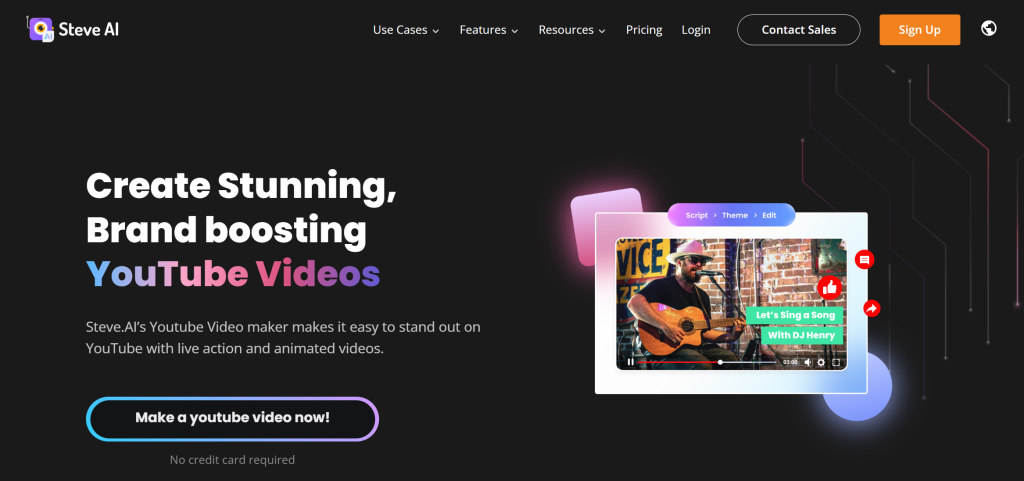
Steve.ai simplifies video creation with a strong focus on animated storytelling and AI-powered automation. This AI YouTube video generator turns blogs, scripts, and plain text into engaging animated YouTube videos, fast.
Top features:
- Text to video and voice-to-animation capabilities
- AI script generation with smart scene suggestions
- Library of animated assets including characters, icons, and transitions
- Voiceover sync with lip-sync and language options
Great for: Educators, explainer videos, and digital marketers
Best for: Creating animated YouTube videos from blogs or scripts
Pricing: Starts from $39/month
Must Read: How to Create AI YouTube Ads
6. Fliki
Fliki helps you create natural-sounding YouTube videos from scripts, blog posts, or even tweets, without needing a mic or camera. It’s ideal for generating quick YouTube content creation with a human-like touch.
Top features:
- AI voiceovers in 75+ languages with realistic tones
- Text-to-video from URLs (blogs, articles, etc.)
- Stock visuals and music are automatically matched to narration
- Multi-brand workspace support for team-based projects
Great for: Educators, content marketers, tutorial creators
Best for: Turning written content into voice-led YouTube videos
Pricing: Starts from $28/month
Check out the best Fliki AI alternaives.
7. Zebracat
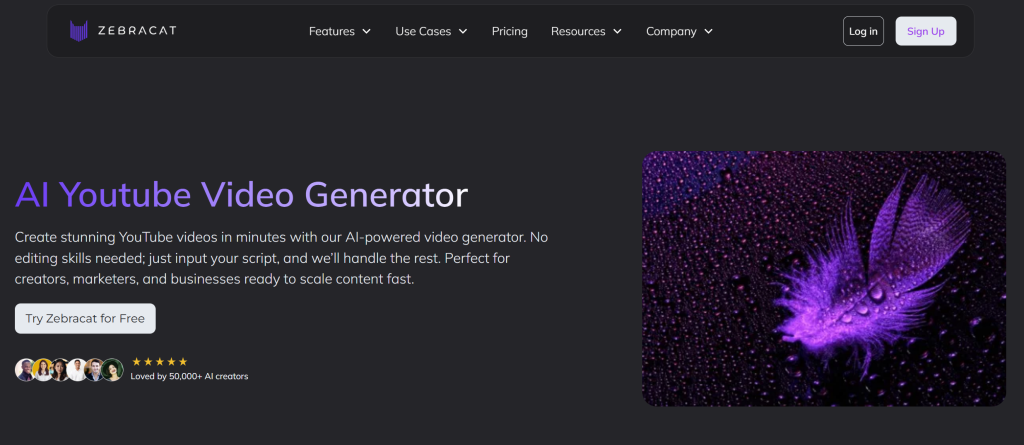
Zebracat turns raw content, scripts, URLs, or rough ideas into polished YouTube videos with zero editing experience needed. This AI YouTube video generator is designed to simplify video workflows for busy teams.
Top features:
- Text-to-video and URL-to-video auto generation
- Branded templates for faster, on-brand content
- Voiceovers and stock assets are included by default
- Instantly resize and repurpose for multiple platforms
Great for: Marketing teams, SaaS brands, product explainers
Best for: Quick turnaround YouTube videos from blog or product content
Pricing: Starts from $39/month
8. Veed io
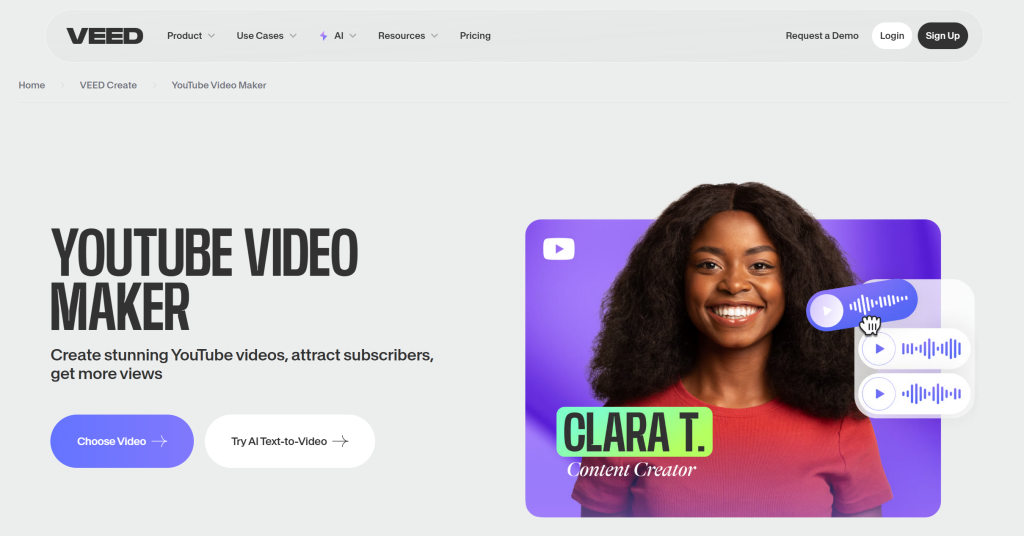
Veed io offers AI assistance along with human-level control. Thus, it is a great tool for marketers or creators who want fast video creation but also don’t want to sacrifice editing flexibility. Also, you don’t have to be an expert to edit in Veed as it’s a very easy-to-use tool.
Top features:
- Auto-subtitles and AI-generated transcripts
- Text overlays, emojis, and dynamic elements
- One-click branding with logos, fonts, and colors
- Pre-made templates for YouTube intros and outros
Best for: Simple, fast, AI-assisted video editing
Use case: Vlogs, interviews, and narrated content
Pricing: $29 per user/month
Benefits of Using AI Video Generators for YouTube
Let’s understand how using AI video generators for YouTube videos benefits brands and marketers —
1. Lightning Production
Video production (manually) takes days. However, thanks to AI, it can be done in minutes now. Users just have to input the script or blog, and the AI churns out a ready-to-upload video. Even if you don’t like something, simply edit it; no need to reshoot anything.
2. Cut Production Costs
As you don’t need to hire videographers, editors, voice artists, or a studio, the overall production costs become much lower. That’s really great for startups, marketers, and solo creators.
3. Scalable Content Output
With AI YouTube video generators, markets and editors don’t have to spend the entire week (or even weekends) to create three or more videos. Efficiently batch-produce at scale, so your content calendar stays full!
4. Consistent Style and Branding
Templates, voice styles, visual tone, and AI tools let you lock your brand identity into every video. That means no off-tone edits or inconsistent intros. Just clean, branded output every time.
5. Repurpose Old Content into Fresh Videos
That blog post from last year? A new video. That podcast episode? A video summary. AI YouTube video generators let you repurpose your old videos seamlessly and churn out new content from them.
Key Features to Look for in an AI YouTube Video Generator
You don’t need an AI YouTube video generator that offers all the fancy features. Instead, look for the one that offers the features that you actually need. Here are a few crucial features that you should be looking for —
1. Text-to-Video or URL-to-Video Conversion
At the core, your tool should turn blogs, scripts, or even product pages into full videos. This is how you scale, by letting AI do the major work from raw text to finished video.
2. Built-In Visuals, Music, and Voiceovers
Good AI YouTube video tools come packed with B-roll or royalty-free music tracks so that you don’t have to source them manually. Be it stock visuals, music beds, or natural-sounding voiceovers, they all make your video look professional.
3. AI Avatars or Presenters
Want a talking head without stepping in front of a camera? Tools with AI avatars let you create human-style presenters that hold attention, explain better, and boost watch time.
4. Auto-Captioning and Editing
Captions aren’t optional. They boost accessibility and retention. Your AI generator should add them automatically, along with smart cuts, transitions, and text overlays.
5. YouTube-Optimized Templates
This is big. Look for tools that build in YouTube best practices, intros, hooks, transitions, and CTAs. You shouldn’t be designing every video from scratch.
How to Choose the Right AI YouTube Video Generator
Not all AI YouTube video generators serve the same purpose. Some are built for product showcases, others for educational explainers, or content repurposing. Before you invest in one, use this checklist to pick the right one for your needs:
1. What’s Your Video Goal
The very first thing to do is to identify what kind of video you want to create. Does your brand need educational content with clarity and pacing, or product videos demanding strong visuals and callouts, or some other type of content? Different types of content require different features.
2. What’s Your Source Content
What’s your input format, script, blog post, product link, or a long-form video? The right tool should be able to process that content easily without forcing workarounds. Choosing a generator that aligns with your source material saves both time and quality.
3. What are Your Visual & Voiceover Needs
Do you want to add AI avatars in your YouTube video to represent your brand, or just a clear voiceover work? Or do you want both? If so, look for tools that offer ultra-realistic avatars and voices.
4. Start Free, Then Scale
If you just want to test the workflow, make sure you first try out with tools that offer a free usage period or credits. This way, you’ll be able to understand the workflow, interface, and video output quality. Make sure everything meets your brand’s needs before investing.
Tips for Using AI Video Generators Effectively on YouTube
Here are a few tips to follow to ensure quality content generation through AI video generators —
1. Customize the Script and Visuals
For sure, AI does give you a strong starting point. However, it is not the final product. Therefore, always review the script, make required changes, and replace generic visuals with the one that matches your brand message.
2. Add Personal Branding
Don’t skip your signature touch. Make sure your videos have branded intros, outros, color palettes, and logos. As you scale your content, your videos should showcase consistency with brand identity.
3. Don’t Ignore SEO
When creating a video for YouTube, it doesn’t matter if you have generated a world-class video; if you don’t optimize it for YouTube, no one will see it. Therefore, make sure you upload every video with a keyword-rich title, clear tags, a strong description, and an eye-catching thumbnail.
4. Repurpose Smarter, Not Harder
AI YouTube video generators can be used to generate both long and short-format content. Moreover, it is a smart move to use these tools to create YouTube Shorts by slicing long-form videos. This, consequently, helps in staying visible across multiple channels.
Conclusion
If you’re serious about growing on YouTube without spending too much of your budget, AI video generators aren’t optional; they’re essential.
But here’s what you need to know: not all tools are built for ecommerce.
If you’re a brand that lives off product pages and UGC, Tagshop AI is a no-brainer.
This AI YouTube video generator turns your product URLs into ready-to-publish YouTube videos that actually convert.
Written by:

Neeraj is passionate about reshaping brand storytelling through AI-powered UGC videos. As the Founder he helps brands unlock authentic, creator-style video content that drives results - without the traditional time, cost, or complexity. His approach blends AI innovation with marketing performance to scale engagement efficiently.