How to Boost Video Production with AI?
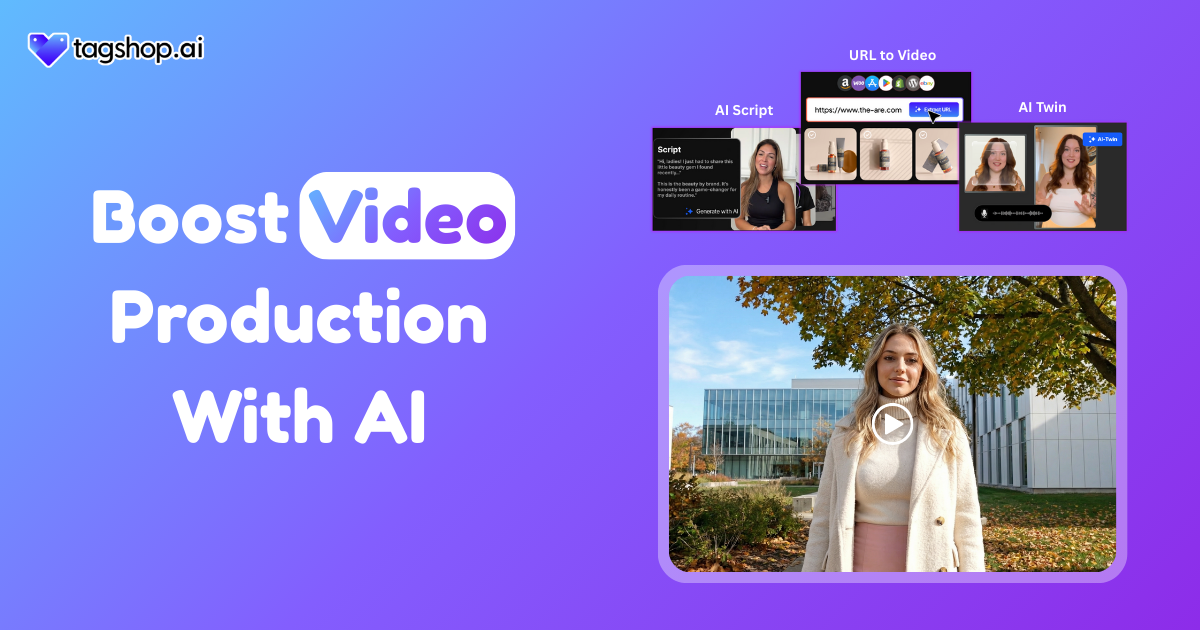
Video used to be the most demanding part of content creation. It took planning, people, equipment, editing time, and a decent budget. Today, that entire equation has changed. AI has quietly stepped in and removed much of the friction. Brands are publishing more videos than ever, without expanding teams or burning money.
Creators are experimenting faster. Marketers are testing ideas without hesitation. AI video tools have turned video from a bottleneck into a repeatable process. If you are wondering how to boost video production without losing quality, this shift matters more than you think.
AI is no longer a future concept. It is already shaping how modern content gets made.
What Is AI Video Production?
AI video production is the process of creating videos using artificial intelligence tools that automate scripting, visuals, avatars, editing, and formatting with minimal manual effort.
That is the simple definition. Clean, direct, and practical.
Behind the scenes, AI video creation combines multiple technologies that work together.
Key Technologies Used in AI Video Creation
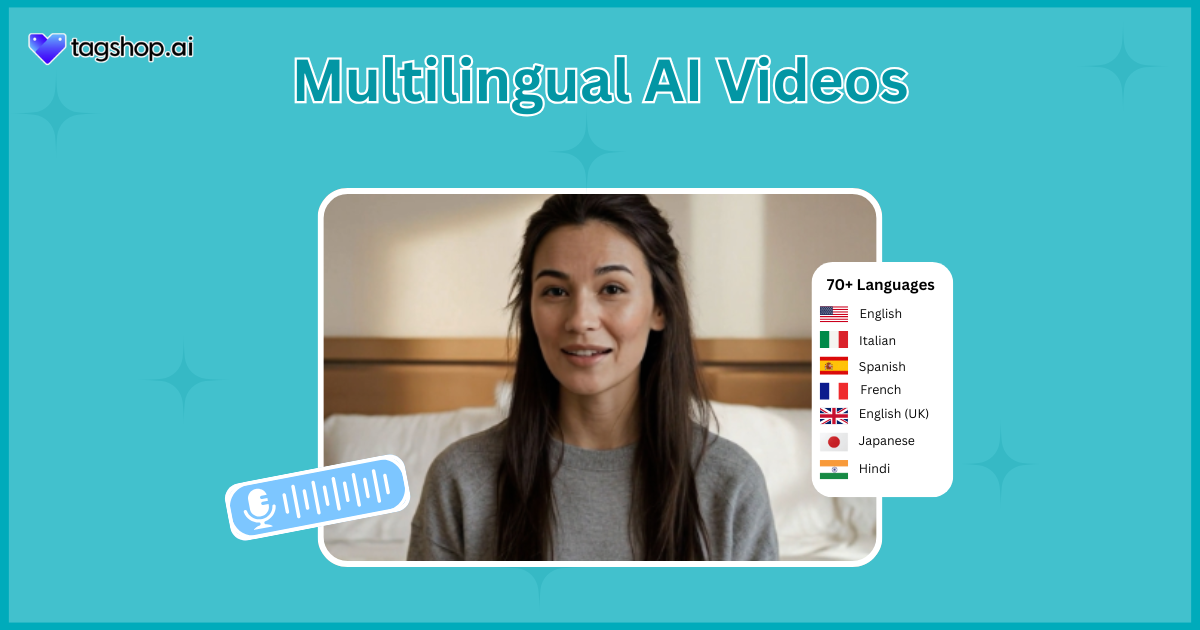
- AI avatars that speak scripts naturally with realistic expressions and lip-syncing
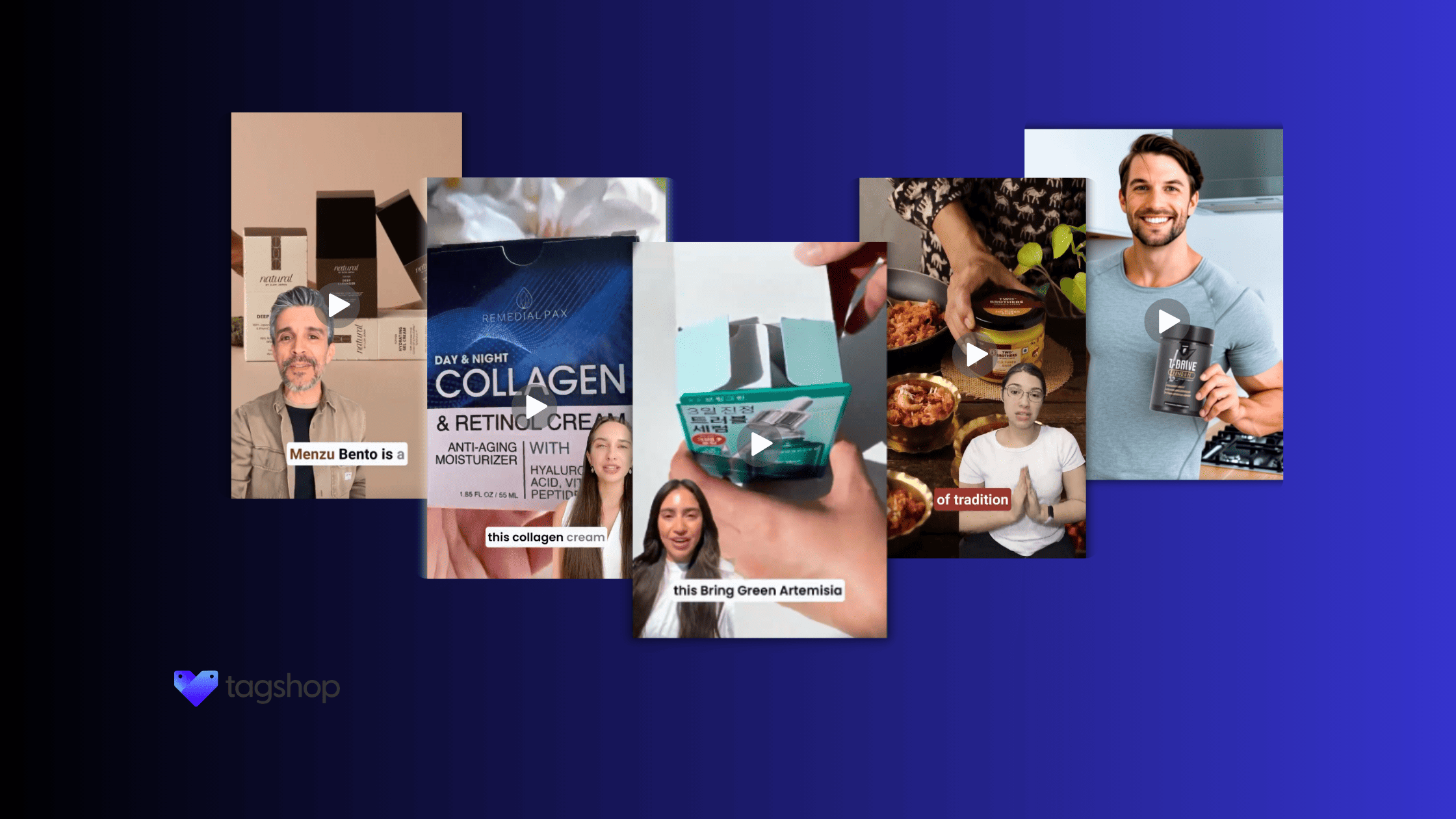
- AI UGC generators that replicate creator-style, phone-shot video formats
- Text-to-video tools that turn scripts into complete videos
- URL to video generator that pulls product or webpage content into video formats
- Automated editing that handles cuts, captions, layouts, and timing
Real-World Use Cases
- Marketing teams are creating ad variations for testing
- eCommerce brands launching product videos quickly
- Performance advertisers scaling UGC-style creatives
- Social media managers are producing daily content without editors
This is not experimental tech. These workflows are already in use across growth teams and creator-led brands.

Why Creators and Brands Are Moving to AI Video Tools
The demand for video has exploded. Social platforms reward consistency. Ads demand variations. Audiences expect native, short, human-feeling clips instead of polished studio ads. That pressure is exactly why AI-powered video tools are gaining ground.
Marketers are not switching to AI because it is trendy. They are switching because the old way no longer scales.
Traditional video production works well for one flagship campaign. It breaks down when you need ten versions of the same message, every week, across platforms. AI solves that gap. It allows brands to produce content at the speed the internet now expects.
Another reason is control. With AI, creators can test ideas instantly. You do not need to wait for an editor. You do not need to reshoot footage. You can tweak scripts, visuals, hooks, and formats in minutes.
This is also where AI UGC, AI avatars, and automated editing come in. These tools are not trying to replace creativity. They remove the slow, repetitive work that kills momentum. Instead of fighting timelines, creators can focus on messaging, storytelling, and results.
How to Boost Video Production Using Tagshop AI
Below is how teams are using Tagshop AI to automate video production and save both time and cost.
Step 1: Create an Account on Tagshop AI
The first step is straightforward. You sign up for a free account or log in if you already have one. There is no complex onboarding or setup. The dashboard opens with everything clearly laid out.
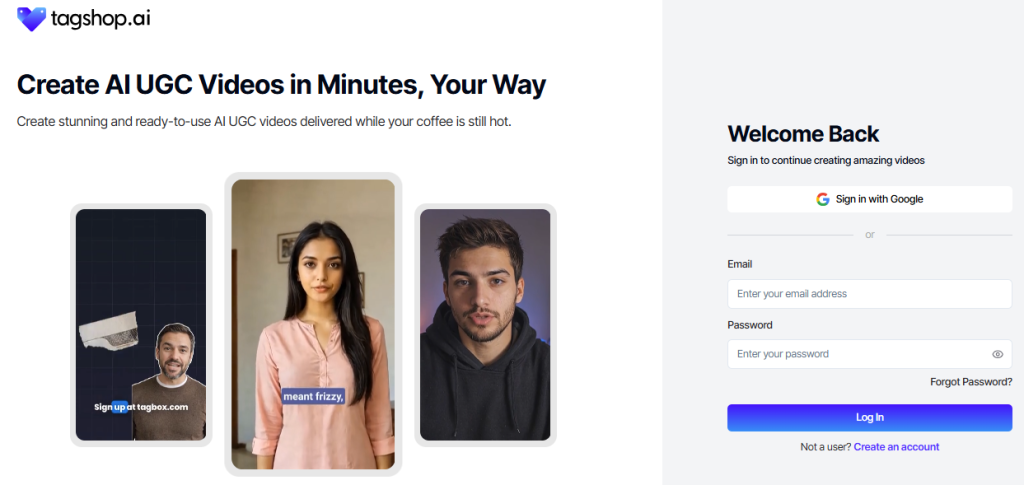
What stands out immediately is how little friction there is. You are not buried under settings. You are not asked to configure tools before creating. You can move straight into production, which matters when speed is the goal.
Within minutes, you are ready to start building videos.
Step 2: Go to the Avatar Video Section
From the main dashboard, you navigate to the Avatar Video section. This is where most creators begin if they are aiming for AI video content.
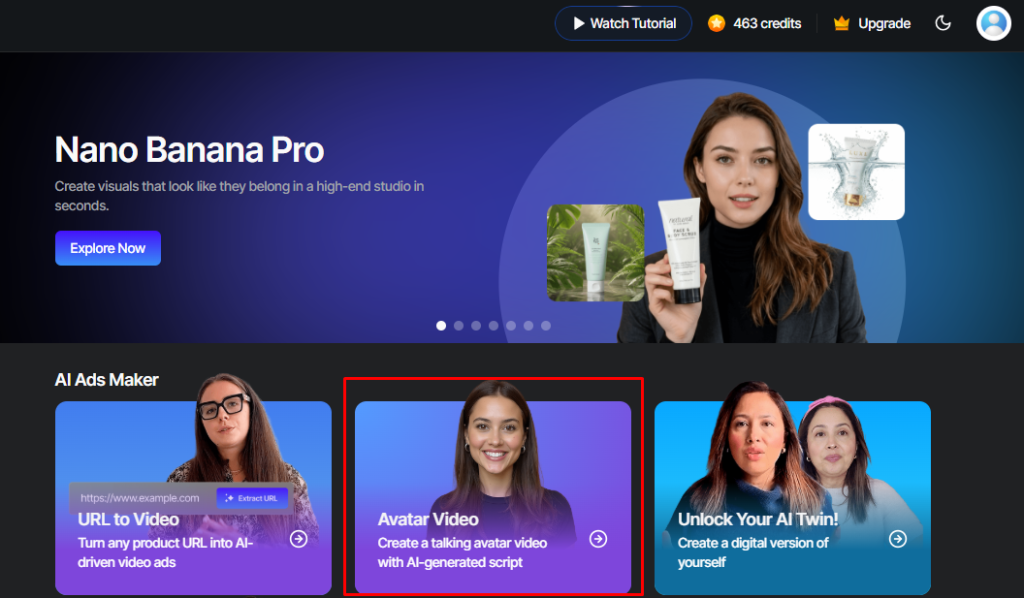
You are not forcing a long-form workflow into a short-form space. That alone saves time during editing and formatting.
Step 3: Select an AI Avatar
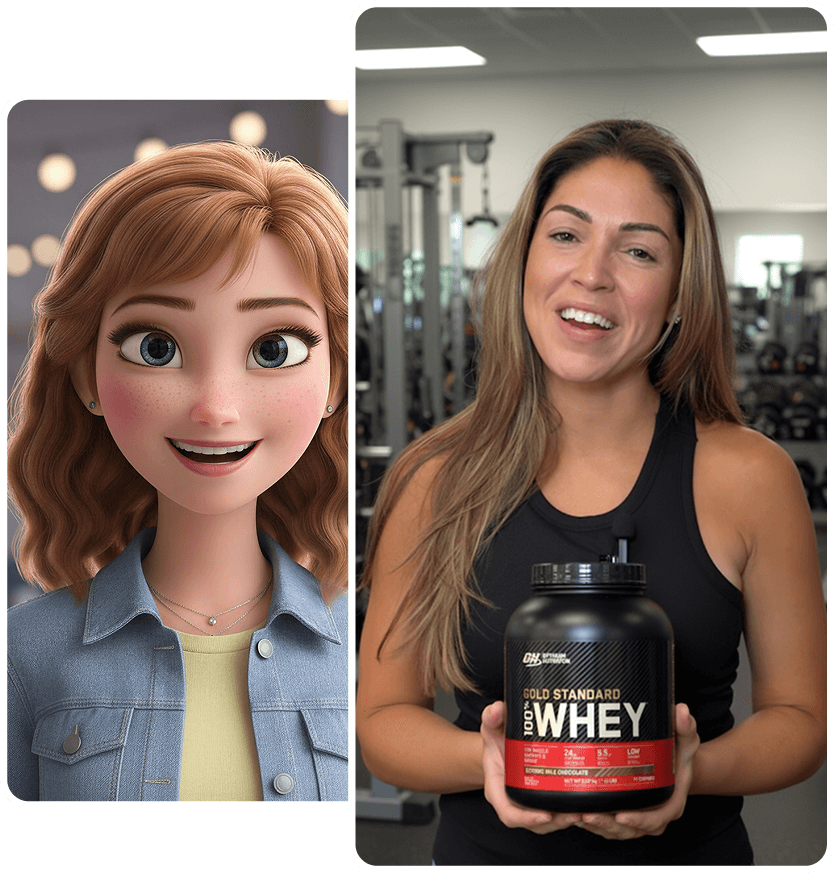
Choosing an avatar is not just an easy decision. The avatar sets the tone of the video. Tagshop AI offers a range of realistic avatars that feel natural on camera.
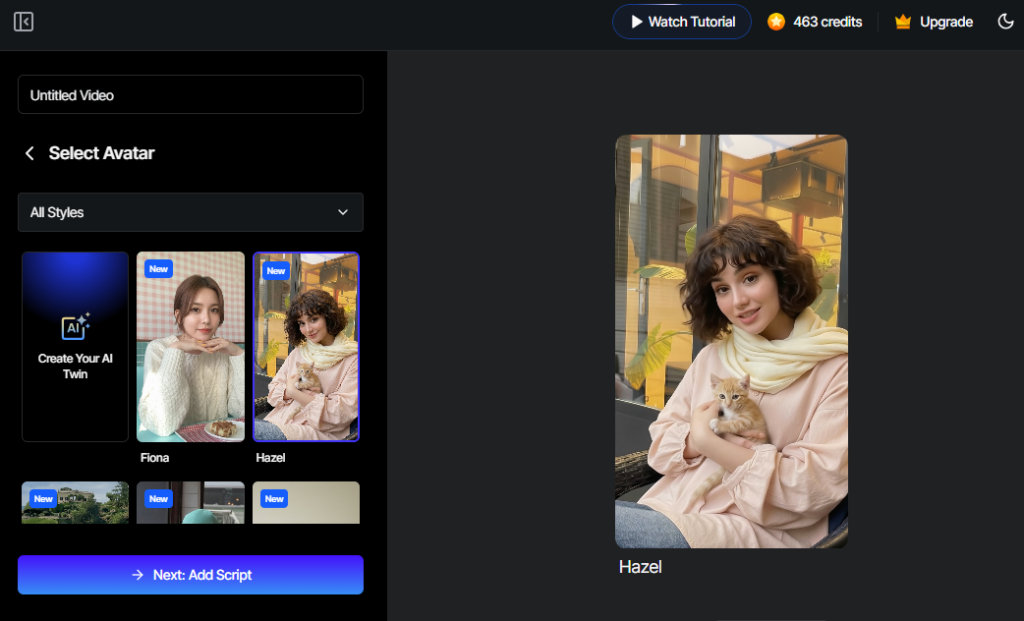
These avatars are not stiff or robotic. They use natural facial expressions, hand movements, and accurate lip-syncing. You can choose an avatar that aligns with your audience, whether that means friendly, professional, casual, or direct.
For brands, this solves a major challenge. You no longer need to rely on creator availability or reshoots. The avatar stays consistent, on-brand, and ready whenever you need new content.
Step 4: Prepare the Script
The script is where most of the work still happens, and it should. AI does not replace thinking. It amplifies it.
You can upload your own script or use Tagshop AI’s script generator to get started. Short, hook-driven scripts work best. These videos are meant for people scrolling fast, not settling in.
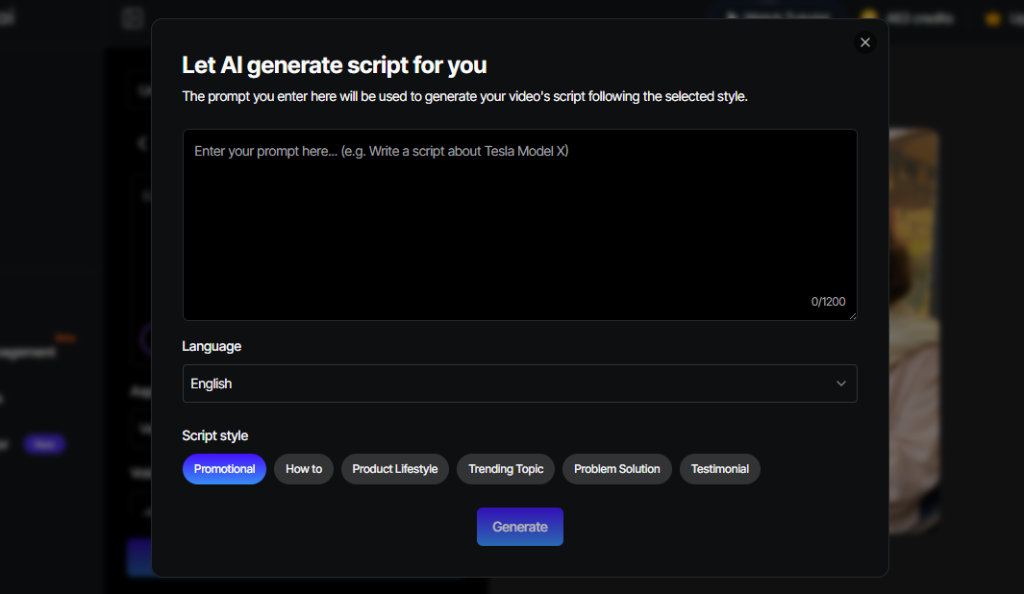
A good script focuses on the opening seconds. It addresses a problem, a curiosity, or a clear benefit right away. Once the script is set, the AI handles delivery. The words turn into a visual presentation without extra effort.
Step 5: Customize the Video in the Editor
This is where the video starts to feel native. Inside the editor, you can add captions, text overlays, and visual cues that guide attention.
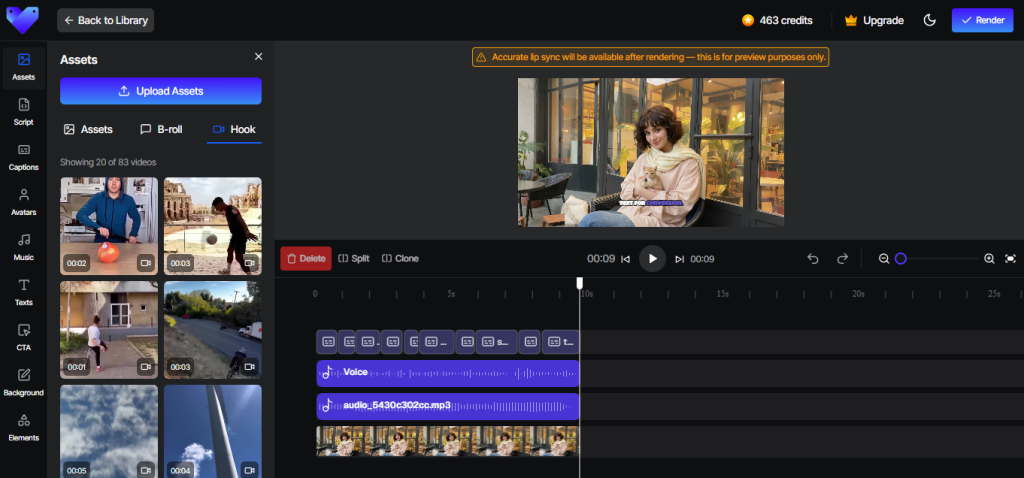
Captions matter more than most people realize. Many viewers watch with the sound off. Clean, readable text keeps them engaged. You can also add B-roll elements or highlight key phrases visually.
The goal is not polish. It is clarity. The editor helps you shape the video so it feels like content, not an ad.
Step 6: Optimize Format for Fast Platforms
Before exporting, you optimize the format. Vertical aspect ratio is essential. Hooks must land in the first three seconds. Text should be easy to read on a phone screen.
This step is about respecting how people actually watch videos today. TikTok viewers decide almost instantly whether to stay or swipe. AI helps you meet those expectations without manual resizing or guesswork.
Step 7: Render and Export the Video
Once everything looks right, you render and export. The process is quick. There is no waiting for an editor. No feedback loop delays. No back-and-forth.
You end up with a video ready for ads or organic posting. From idea to output, the entire flow can happen in one sitting. That is how you automate video production without losing control.
Expert Opinion
“So much energy in conversations about AI in entertainment focuses too much on job replacement and not enough on job enhancement. A great example is the promo producer and editor world, where no human could possibly generate enough volume to satisfy the social media beast. But a creator well-trained in AI prompts could expand their output exponentially and empower themselves and their clients without increasing costs.”
— Evan Shapiro, Media Universe Cartographer at ESHAP
This perspective matters. AI is not replacing creators. It is giving them leverage.
Benefits of Boosting Video Production With AI
AI video tools deliver clear advantages when used correctly.
- Faster Production Timelines: Videos that once took days can now be created in minutes, allowing teams to respond quickly to trends and performance data.
- Lower Costs Compared to Hiring Creators: AI removes recurring filming and editing costs while still producing high-quality, usable video content.
- Consistent Style, Tone, and Branding: Avatars and templates ensure every video aligns with brand guidelines, without relying on multiple external creators.
- Infinite Variations and A/B Testing: You can create multiple hooks, scripts, and visuals from the same idea without restarting production.
- Scale Video Ads with AI in Minutes: AI allows rapid scaling of ad creatives without bottlenecks or resource strain.
- High Engagement for UGC-Style Formats: AI-generated UGC videos match native platform behavior and often outperform polished studio ads.
- Accessible Even to Non-Editors or Small Teams: No technical background is required. The tools handle complexity behind the scenes.
What People Are Asking on Reddit
1. How exactly can you use AI to produce better content?
AI helps structure scripts, speed up editing, and test variations quickly, letting creators focus more on ideas and less on execution.
2. Is anyone using AI tools to speed up content creation?
Yes. Many marketers use AI to handle repetitive tasks, allowing them to publish more consistently without expanding teams.
3. How are people making AI videos so fast? Mine takes days
They use end-to-end AI platforms that combine scripting, avatars, editing, and formatting in a single workflow.
Best Practices for AI Video Production
AI works best when paired with smart choices.
- Use Short, Clear, Conversational Scripts: Simple language and direct hooks keep viewers engaged and improve watch time.
- Keep Visuals Product-Focused and Platform-Optimized: Videos should feel native to the platform, not like recycled ads.
- Choose Avatars That Match Your Audience Tone: The wrong avatar can break trust. Alignment matters more than realism alone.
- Leverage UGC-Style Formats for Authenticity: Casual, creator-style videos outperform overproduced visuals on social platforms.
- Test Multiple Variations for Better Conversions: AI makes testing easy. Use it to refine what works.
- Always Add Captions and Hooks in the First Three Seconds: Attention is earned immediately or not at all.
- Repurpose Videos Across Platforms: One video can be adapted for multiple channels with small format changes.
Conclusion
AI has turned from a nice-to-have option into an indispensable resource for the brands and creators who are aiming at expansion without being hindered by any delays. The switch to AI-assisted video production significantly changes the working style of content marketers.
The advent of Tagshop AI brings about the creation of user-generated content (UGC) advertisements, product demonstrations, and social media posts that will take only a few minutes instead of several days.
For companies that prioritize rapid production, uniformity, and restriction of costs, AI video making is no longer a shortcut but an absolute requirement.
Frequently Asked Questions
AI facilitates the entire video production method, starting with the scripting and editing, all the way to the formatting and avatars, hence speeding up the whole process considerably by eliminating the manual steps.
Not at all. On the contrary, AI is a great help to the whole editing team by doing the repetitive chores and thus giving them the opportunity to concentrate on the creative choices.
User-Generated Content-style ads, demo videos, social media posts, explainer animations, and short-form promotional clips.
It unites various components such as avatars, auto-generated scripts, editing done by the system, and export facilities into a one-step, easy-to-navigate workflow.
They do, particularly the UGC-style formats that are quick-scrolling and native-engagement optimized.
Yes. Not only that but also their expressions and lip-syncing conducted by the modern avatars are so natural and convincing even on social platforms.
AI video production costs are marginal compared to traditional video production costs that include hiring film crews, studio rentals, and repeat editing fees.
Absolutely. AI tools are designed to replicate the creator-style, phone-shot video formats.
Not necessary at all. The platforms are designed for non-editors and small teams.
Written by:

Neeraj is passionate about reshaping brand storytelling through AI-powered UGC videos. As the Founder he helps brands unlock authentic, creator-style video content that drives results - without the traditional time, cost, or complexity. His approach blends AI innovation with marketing performance to scale engagement efficiently.