How to Create AI UGC Video Ads for App and Tech Products
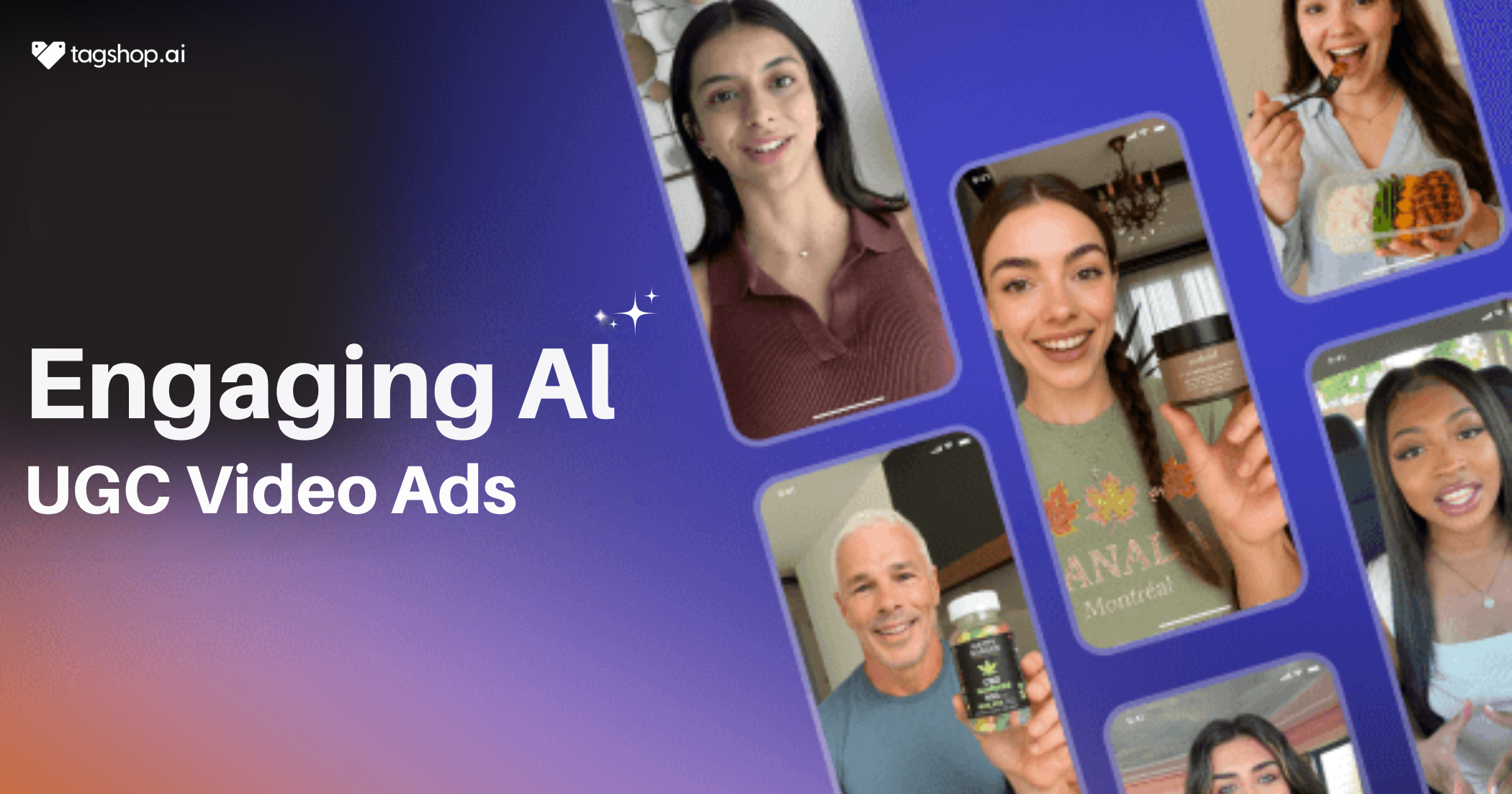
Your app is fire, but customer acquisition cost is eating you alive. Every ad you create gets skipped faster than a terms-of-service screen, right? Don’t worry, we’ve got a solution for you – AI UGC for app and tech products. 15-second clips that feel like your best user just woke up, grabbed their cracked iPhone, and screamed “this app actually changed everything” straight to the camera.
Same messy bedroom, same raw hype, zero real humans paid. These sneaky little videos are printing installs on TikTok Spark, Reels, and app store pages while others still beg creators for deliverables. This is the 2026 playbook the 7-figure apps swear by.
Things to Keep in Mind While Creating AI UGC Videos
Creating AI UGC Ads for App and Tech Products is like a cake walk, thanks to tools like Tagshop AI, but you need to keep certain parameters in mind before creating your videos:
Identify Your Goal
Decide exactly what the video must deliver: raw installs, free-trial sign-ups, paid conversions, or feature adoption inside the app. Write one clear line the team can’t misread: “Drive 50k downloads at under $4 CPI” or “Push the new AI chat feature to existing users.” Every script, avatar, and CTA flows from this single goal. Brands that skip this step waste weeks testing pretty videos that move zero needles.
Understand Your Audience
Know who actually pays or downloads. Are they 22-year-old gamers, 35-year-old remote managers, or enterprise CTOs? Build the avatar to look and sound like them: hoodie and messy desk for devs, clean home office for marketers. Match the pain point they wake up thinking about. When the person on screen feels like the viewer’s friend, trust hits instantly, and swipes stop.
Gather Key Information
Pull everything the AI needs to sound legit: exact app name, hero screenshots, three killer features, the one pain it kills, 5-star review quotes, download numbers, brand colors, logo files. Grab the App Store link so the tool can scrape real copy and icons. The better the input, the less fixing later. One brand forgot the “dark mode” toggle, and the AI kept showing light mode – killed trust in one second.
How to Create AI UGC Video Ads Using Tagshop AI
Like we told you, Tagshop AI makes it easy for you to make AI UGC Ads for App and Tech Products. You just need to follow the steps below, no shoots, no creators, no waiting. Follow along, and your next campaign goes live today.
Step 1: Sign Up or Log In to Tagshop AI
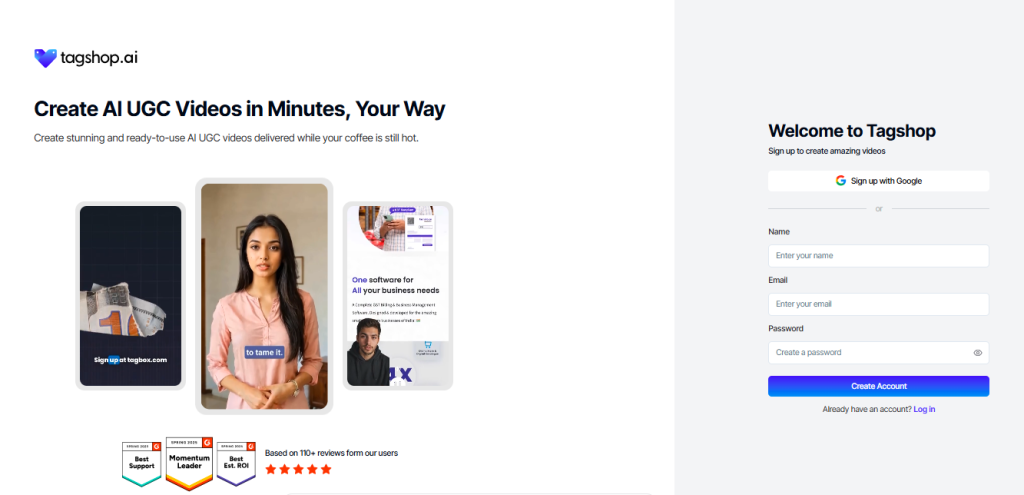
Go to tagshop.ai and hit “Start Free” – no card required, just email and verify. The dashboard opens in 30 seconds, clean as a new app screen.
Step 2: Add App or Product Information
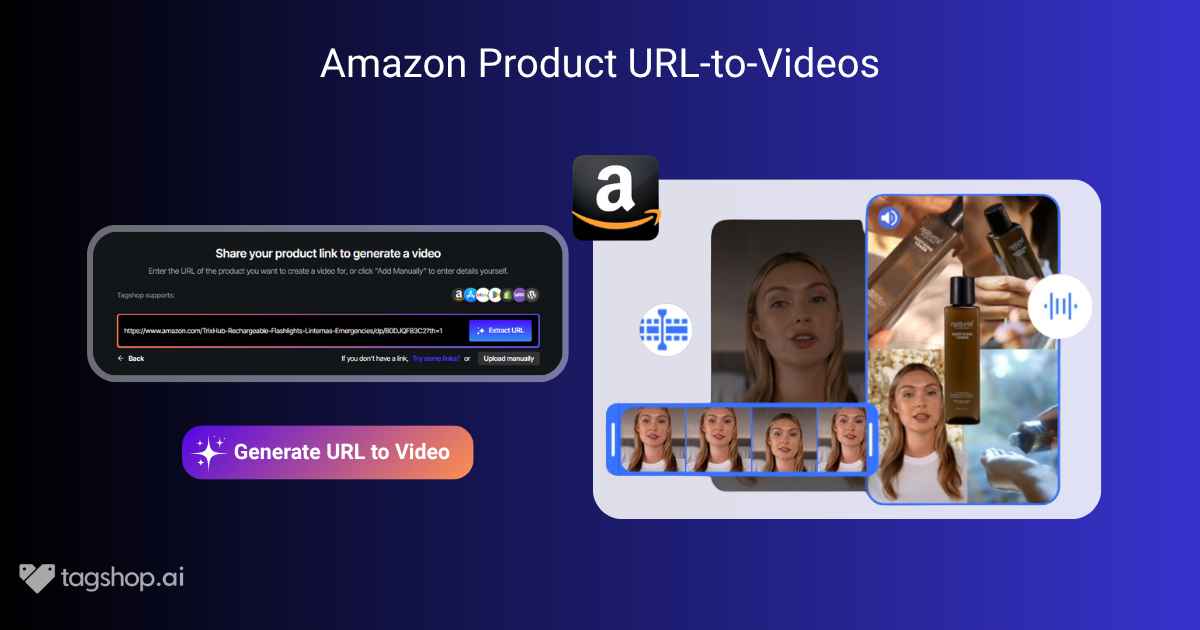
Paste the app’s URL – Tagshop AI pulls visuals, titles, features, and pricing automatically. Or upload assets manually: screenshots of the interface, short demo clips, or your brand logos for that custom touch. This step feeds the AI everything it needs, so the video feels spot-on. Brands love how it grabs the exact app flow without typing a thing.
Step 3: Add or Customize Script
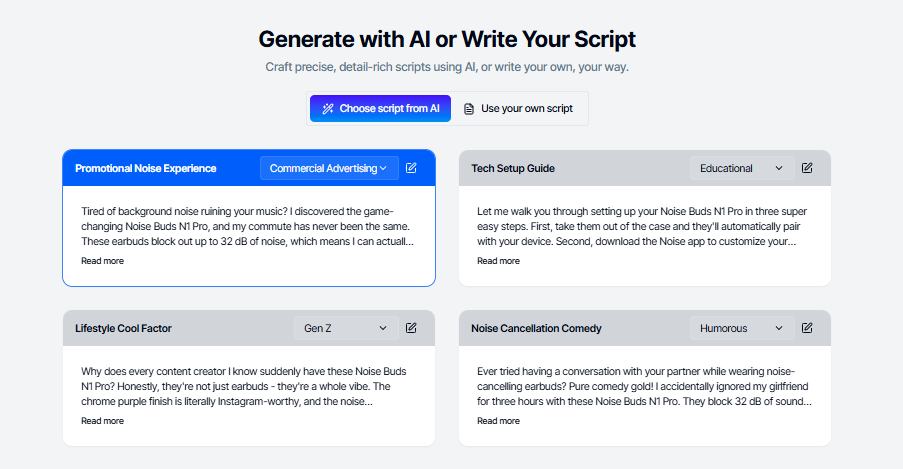
Choose pre-written templates like reviews, tutorials, or quick demos – AI spits a conversational hook like “This app fixed my workflow chaos.” Or write your own to keep it brand-relatable, short, and punchy. The tool suggests tweaks for tone, making sure it lands like a user’s genuine take. This is where your ad’s voice comes alive, ready to hook viewers fast.
Step 4: Select AI Avatar or Create Your Own
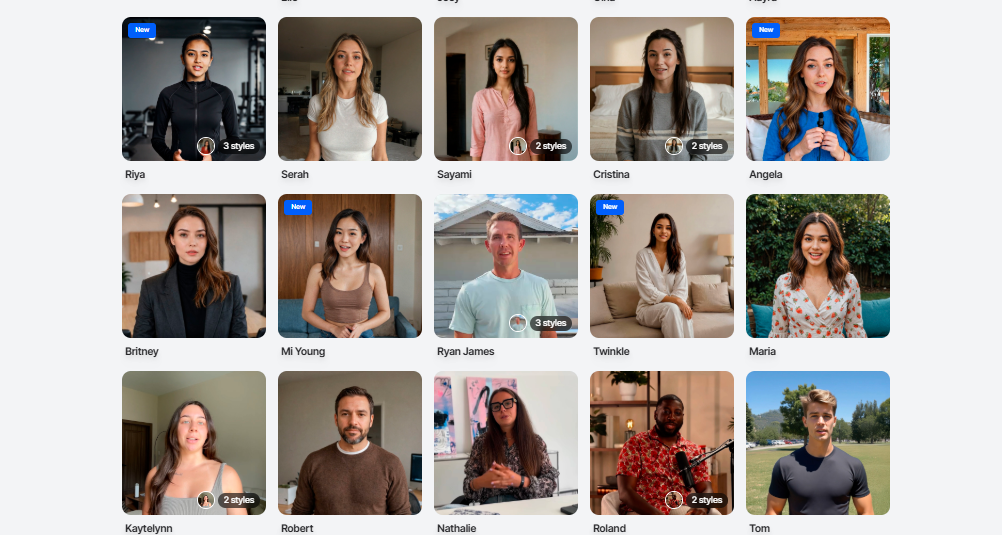
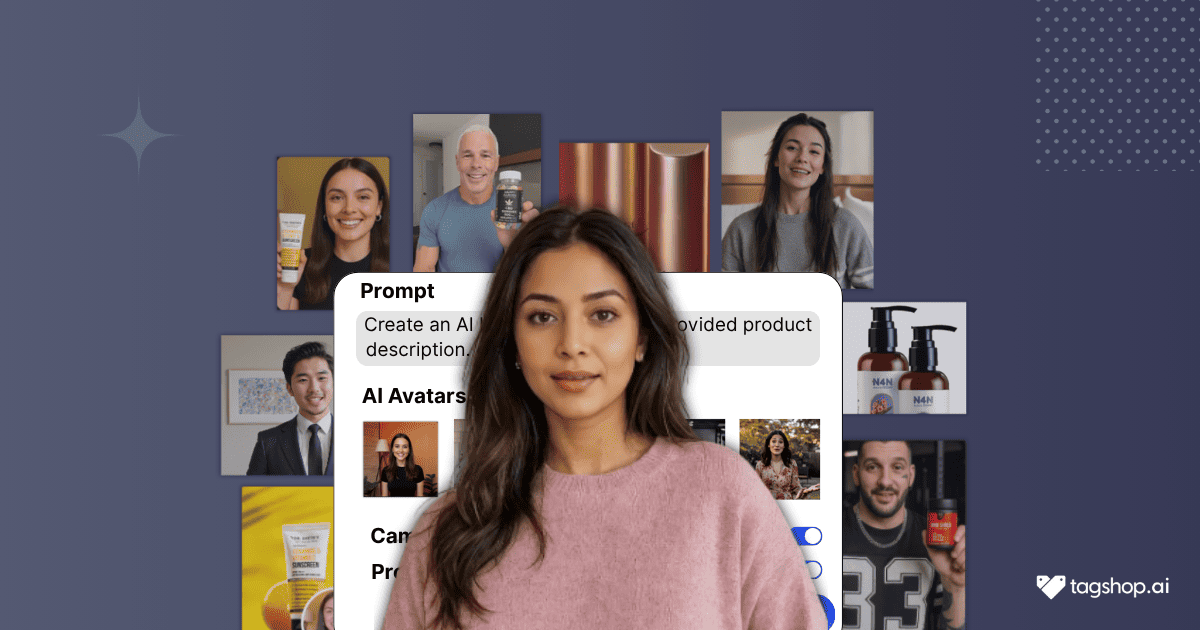
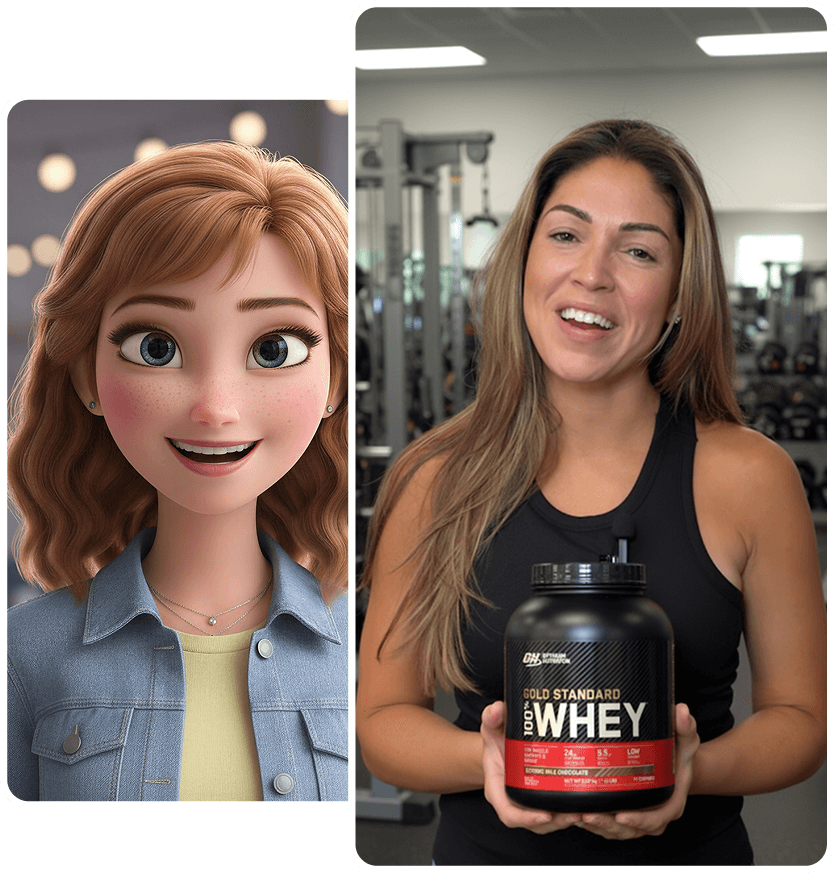
Pick an avatar that matches your audience – tech-savvy pro in a hoodie, casual gamer, or polished exec. Or create a custom one with your brand tone, adjusting style or energy. The AI syncs lip movements perfectly, so it feels like a real endorsement. Brands use this to represent different users, keeping videos fresh and targeted.
Step 5: Customize in AI Editor
Adjust tone and pacing for that natural flow, add captions for silent scrolls, and layer CTAs like “Download Now.” Drop your logo design, tweak expressions for energy, and format for platforms – portrait for Reels, square for feed. The editor is intuitive, letting brands polish without losing the UGC rawness. Preview and refine until it’s ad-ready.
Step 6: Download and Launch Your Video
Export the AI UGC video in crisp MP4, watermark-free on pro. Use it across paid ads, app store pages, or social channels. Run A/B tests with swapped avatars, hooks, or CTAs to see what converts. Brands launch fast, track performance, and scale winners – one video can fuel a whole campaign.

Tips to Make Your AI UGC Ads Perform Better
There are many brands that are using AI UGC ads for app and tech products; hence, you need some smart moves to make it stand out from the rest. Here are a few tips for you.
Keep it story-driven, not overly promotional.
Start with the struggle: “I was drowning in notifications until…” then show the fix. Brands that lead with a mini-story instead of bullet-point features see 3–5× longer watch time. The avatar should sound like a real user venting to a friend, not reading a script from marketing. Save the hard sell for the last three seconds. This single shift turns cold traffic into downloads because people stay to hear how the story ends.
Show real app interface or use cases in background clips.
Never hide the product. Let the avatar open the actual app on screen, swipe through the exact flow, and tap the button viewers will tap. Brands that keep the interface visible for at least five seconds convert way higher. Use phone-frame overlays so it looks like a real recording. One productivity app added a quick calendar sync demo – CPI dropped from $8 to $2.80 overnight because trust went through the roof.
Add social proof snippets.
Flash “4.9 stars · 2M downloads” or “trusted by 500k remote workers” in big text at the eight-second mark. Pull real App Store reviews or user quotes. Brands that drop social proof early cut skepticism fast. Even a simple “joined 50k others this week” works.
Use trending sounds and short hooks for social platforms
Grab whatever sound is blowing up this week and match the first beat perfectly. Open with a hook that forces a double-take: “I deleted every other app after this” or “My boss thinks I’m a genius now.” Brands that sync to trending audio and nail the first three seconds dominate For You pages. Test five sounds per campaign – the winner usually prints money.
Test different languages or tones for global reaction.h
Duplicate the project, swap the avatar to local face and accent, translate the script – done. Same cost, ten new markets. Brands running Spanish, Hindi, and Arabic versions from one English master see massive volume spikes. Change tone too: hype for Gen-Z, calm-professional for enterprise tools. One meditation app localized to six languages in a weekend and hit the top-10 in four new countries.
Why AI UGC Works for App and Tech Brands At All
AI UGC is taking over the marketing scenario and is becoming brands’ favourite. There are various reasons why AI UGC for app and tech brands is a great marketing maneuver; here are a few.
Builds trust quickly
Customers ignore brand ads but stop for real people. AI UGC for app and tech products looks exactly like a genuine user who just discovered your app and had to tell the world. No polished studio, no sales voice – just a normal person on their couch saying, “This finally fixed my calendar.” Trust transfers instantly. One SaaS brand swapped traditional creatives for AI UGC and watched CTR jump 4× in the first week because the ad finally felt honest.
Explains complex products simply
Tech features confuse people in seven seconds flat. An AI avatar that looks and talks like your actual user can open the app on screen, swipe through the exact flow, and say “look how easy this is” in plain language. No jargon, no overwhelm. Brands use this for onboarding tours, feature drops, or “why this beats the old way” clips that turn cold traffic into sign-ups without support tickets.
Faster scaling
Need Spanish, German, and French versions? Change the avatar’s accent and face in one click. Want separate creatives for founders, marketers, and enterprise admins? Duplicate the project, swap the hook, done. Brands launch 50 tested variations while competitors still wait for one creator to answer DMs. This is how top-grossing apps flood every market and audience segment without ever slowing down.
Cost-effective
A single real-UGC shoot costs $5k–$15k and one week. AI UGC costs pennies per clip and finishes in minutes. No studio rental, no actor fees, no editor revisions. Brands that used to blow $100k monthly on creators now spend $2k and get 100× more volume. The math is brutal and beautiful – same (or better) performance at 1/50th the price.
Cross-platform adaptability
One project exports perfect 9:16 for TikTok Spark and Reels, square for Facebook feed, landscape for YouTube, and 1:1 for app store preview videos. Brands drop the same AI UGC across every channel without reformatting. One meditation app runs the exact clip from paid ads straight to their App Store page and watches conversion lift compound across every touchpoint.
Conclusion
Thanks to tools like Tagshop AI, creating AI video ads for apps and tech products is not only manageable but also enables you to make various videos. Noticing the trend, it is the right time to start using AI UGC videos and get an edge over competitors. So what are you waiting for? Follow the steps mentioned above and start making your own AI UGC video ads for app and tech products.
Frequently Asked Questions
Yes! An AI avatar that looks and talks like your actual user can open the real app on screen, swipe through the exact flow, and explain everything in plain, conversational language like “look how easy this is.” No jargon, no overwhelm.
A single real-UGC shoot with a live creator costs $5,000–$15,000 and takes at least a week. With AI UGC (using tools like Tagshop AI), the same-quality clip costs pennies and finishes in minutes. No studio, no actor fees, no revisions.
The hook must grab attention in the first 3 seconds (or less). Open with something that forces a double-take, like “I deleted every other app after this” or “My boss thinks I’m a genius now.” Brands that nail the first three seconds and sync to trending audio dominate.
No! It’s not technically mandatory, but it’s strongly recommended and proven to work best.
Choose (or create) an avatar that looks and sounds exactly like your target user: hoodie + messy desk for dev tools, clean home office for marketers, casual gamer for entertainment apps, polished exec for enterprise SaaS. The avatar should feel like the viewer’s friend or peer.
With Tagshop AI (and similar tools), simply duplicate the project, change the avatar’s face and accent in one click, and let the AI translate the script. You get Spanish, German, French, Hindi, Arabic (or any other language) versions in minutes at no extra cost.
Your ad should feel like a mini-story first, demonstration second. Start with the struggle (“I was drowning in notifications until…”), show the emotional fix with the app in action, then end with the result.
Written by:

Rohan Singh is an AI-forward content specialist with 5+ years of experience creating creative, trend-led content for digital-first brands. He blends industry insights, AI-powered research, and content intelligence to produce engaging, relevant narratives aligned with evolving marketing trends. Constantly exploring new AI tools, he ensures his work stays innovative, impactful, and built for how audiences consume content today.