11 Best AI Product Video Generators to Try in 2026
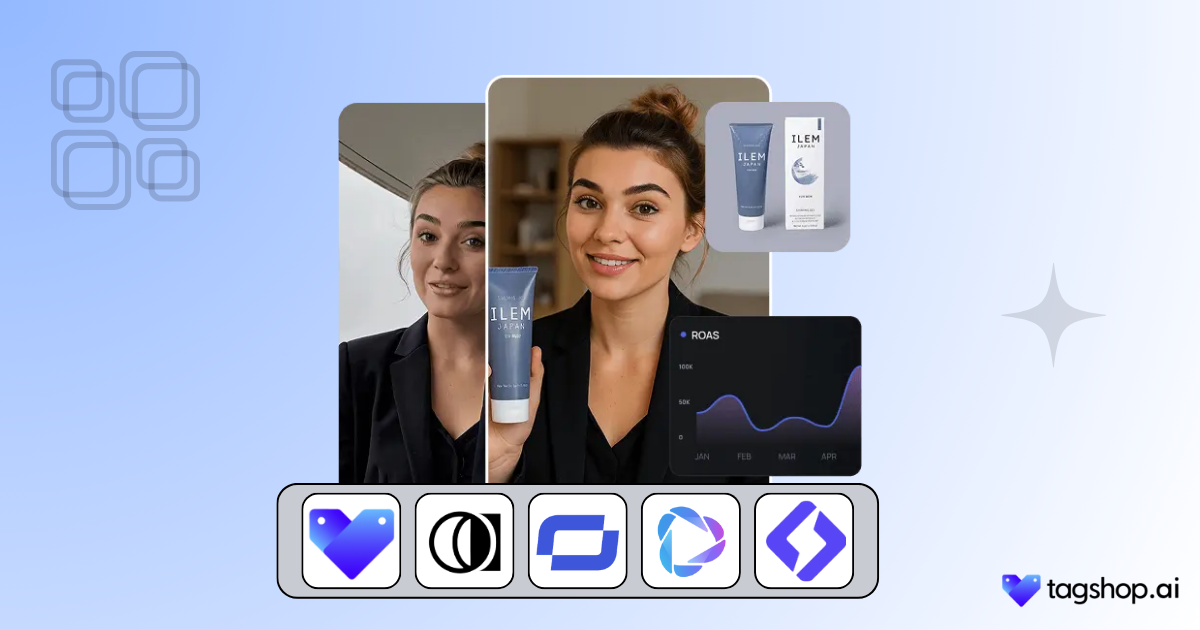
We live in a hyper-digital world, and product videos have become a cornerstone of marketing, advertising, and eCommerce. Suppose you are running an online store, launching an app, or promoting a seasonal offer. In that case, high-quality video can help users boost conversions by up to 80% and keep audiences engaged longer.
Traditionally, creating product videos requires hiring videographers, video editors, script writers, and more. What if we tell you that you can skip all this hassle by using just one AI product video generator?
Sounds interesting. Right? Let us see what AI product video generator is, how it work, and explore some of the best AI product video generators in the industry.
What is an AI Product Video Generator?
An AI Product Video Generator is a software tool that uses artificial intelligence to create professional-quality videos without manual filming or editing. These tools can work in multiple ways:
1. Text-to-video – Turn a written script or blog post into a video with visuals, captions, and voiceovers.
2. URL to video AI – Automatically generate videos from product or landing page URLs.
3. AI Avatar Generator – Use lifelike AI avatars to present your product.
4. Image/video enhancement – AI editing tools that add effects, animations, or motion graphics.
Benefits of Using AI Tools for Product Videos
Here are some of the benefits of using AI product video generators.
1. Fast Turnaround Time (Minutes Instead Of Days)
With AI video generator, creating product videos no longer has to take days or weeks. You can go from concept to finished video in a matter of minutes. This speed makes it easy to react to market trends, seasonal campaigns, or sudden promotional opportunities without the delays of traditional production.
2. Cost-Effective (No Actors, Studios, or Editors Needed)
AI product video generators help users create video ads for one-tenth of the traditional ad budget. With built-in AI actors, voiceovers, and templates, you can produce high-quality videos at a fraction of traditional costs, making it ideal for businesses on a budget.
3. Scalable for A/B Testing and Multiple Platforms
Since the AI product video generator tool can generate several videos in an hour, marketer get their hands on multiple video ads to test. This scalability makes A/B testing easier and helps to discover what works best for their audience.
11 Best AI Product Video Generators (2025)
| Tool Name | Best For | Key Features | Price (Per Month) |
|---|---|---|---|
| Tagshop AI | AI product video ads | Product URL to video, AI avatars, script-to-video automation, multi-platform ad formats | $23 |
| Synthesia | AI avatar videos | Human-like avatars, multilingual voiceovers, corporate training videos | $30 |
| Pictory | Text to video creation | Blog-to-video, automatic captions, stock media library | $25 |
| InVideo | Marketing & social videos | Templates, text-to-video AI, large stock asset library | $28 |
| HeyGen | AI spokesperson videos | AI avatars, voice cloning, multilingual video generation | $29 |
| Runway ML | AI video editing | Generative video tools, background removal, AI video effects | $28 |
| Designs.ai | AI design & marketing assets | Video maker, logo generator, voiceover tools | $25 |
| Lumen5 | Content marketing videos | Article-to-video conversion, drag-and-drop editor, brand kits | $53 |
| Colossyan | AI training & explainer videos | AI presenters, scenario-based videos, team collaboration | $27 |
| Veed.io | Online video editing | Auto subtitles, screen recording, AI video editing tools | $24 |
| FlexClip | Beginner-friendly video creation | Templates, slideshow videos, simple drag-and-drop editor | $30 |
Take a look at the best AI product video generators.
1. Tagshop AI
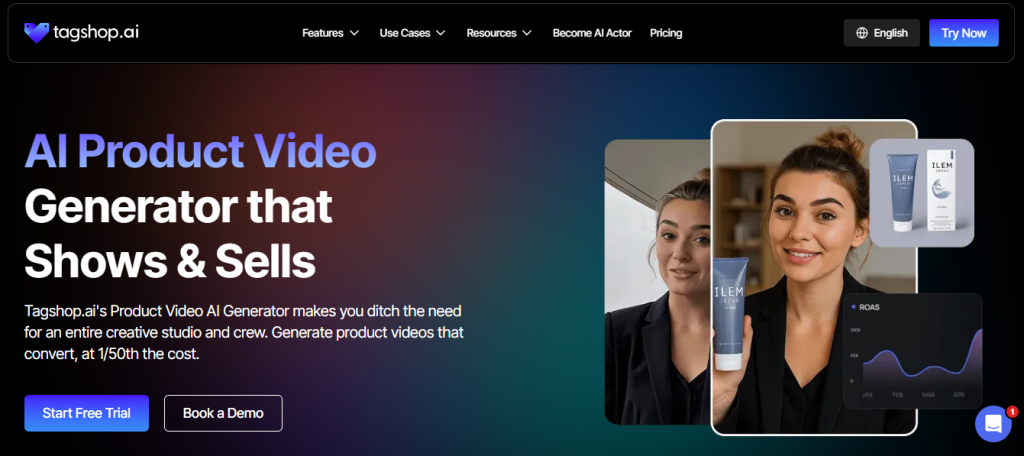
Tagshop AI stands out for its ability to convert product page URLs directly into ready-to-use AI Ad videos. It automatically pulls images, descriptions, and pricing from your site, and adds AI avatars, voiceovers, and ad-ready templates. Along with this, its AI Product Background Changer helps transform plain product visuals into high-converting, studio-style backgrounds that make ads look more professional and scroll-stopping.
Key Features
- URL to video automation
- AI avatars
- Pre-built templates for video creation
- AI Script Writer to create a script
- AI Editor to customize the video
- AI Reel generator
Best For
Ecommerce brands, dropshippers, and DTC businesses need fast product video creation.
Pricing (if available)
Starts from $29/month
Pros
- Saves an hour of editing
- Ready-to-publish videos in minutes
- Perfect for extensive product catalogs
Cons
- Limited credits in free trial


The video you created for us truly exceeded our expectations - it's fantastic!
"Every frame was not only engaging but also beautifully crafted, clearly showing the high level of creativity and effort that went into its production. We achieved CTR of over 2%, and with a cost per click of just $0.20, the effectiveness of your work is undeniable."
Esma E.
Influencer Marketing

Seamless AI UGC video and image generation tool
"I work in the API security space, but I have always been curious about exploring different AI tools whether for generating images, videos, or creative content. UGC is something every brand needs nowadays, and I have tried many AI video tools. What I like about Tagshop AI is its simplicity. It’s easy to use, not complicated, and even someone without an AI background can get started quickly. That makes it a very user-friendly AI UGC video tool."
Sivan Michaeli-Roimi
VP Marketing @Pynt | Founder of Heyou.io

Best image to Product holding video generator for me
"I used Tagshop AI 2 days ago. Create an ai ugc product holding video with the tool. I have literally found the tool easy to use, with no complex functionality inside it. They have their own image generation model, where you can first generate a product image or upload one, and then you can also create a video for the same product. I like this idea, pretty cool, but let’s see how I can move to their plan."
Alon Michaeli
Head of Revenue AI at DealHub

Avatar looks realistic. Helpful to generate high-quality ai ugc videos.
"I've been using Tagshop AI as an AI ugc video generation tool for 1 month, and it's working well for me. I love the variety of avatars in their avatar library. The best part I have got in this tool is their editor, simple and clean look, and easy to use. Now, I don't need to switch tabs to edit the video."
Yuliia Kolomiiets
VP of Marketing
Multi-lingual features in the tool are pretty amazing.
"As my targeted audience is from the USA, Germany and Italy, their multilingual feature is helpful in this situation. I can create multiple avatar videos in different languages. So this is the benefit when you are targeting a wide audience."
Anirudh
Head of Digital Marketing

Time Saving and Affordable Tool
"The tool is super quick while creating the ai ugc videos. I like the editor within the tool, you don't have to switch to another tab."
Stephen Mathew
Marketing Manager

AI influencer becomes easy to create with Tagshop AI
"With the Tagshop AI, I have created a set of AI avatar videos that are now working for my clients. I am happy that I have found the fastest way to create AI avatars. The tool is quick and easy to use. I mean beginner-friendly, even a non-ai person can also operate this."
Kazi Mainuddin
Content Marketer

2. Synthesia
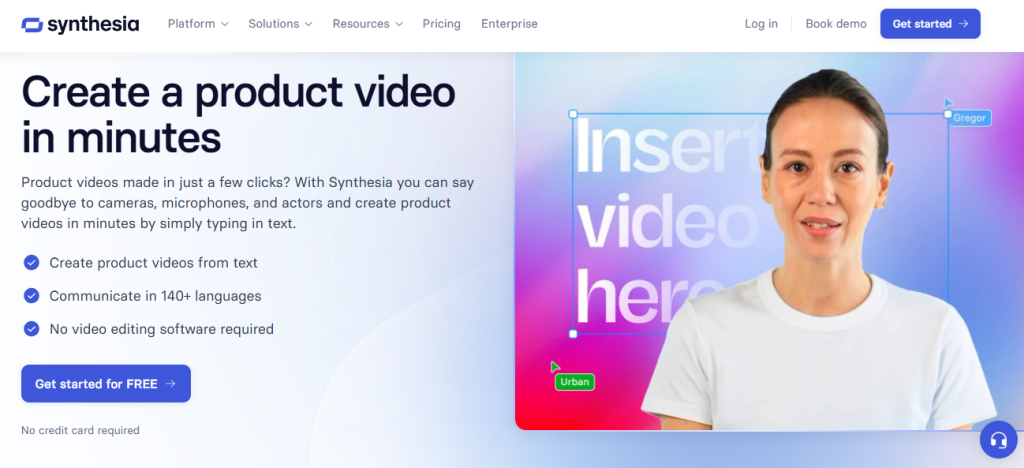
Synthesia is one of the AI product video generator tools that helps users create product videos with artificial intelligence at their convenience. This platform allows users to generate scripts, use customizable avatars, and transform text into lifelike videos without needing a camera. This tool is widely used for purposes such as training, presentations, and marketing.
Key Features
- Text To Video AI
- Customizable Avatars
- Multilingual Support
Best For
Training videos, product explainers, and marketing presentations.
Pricing (if available)
Starts from $30/month, goes up to $99/month.
Pros
- Highly realistic avatars
- Global language support
- Simple user experience
Cons
- Users have claimed that the pricing is too high for the offering.
- Another G2 review has claimed that the tool has limited functionality, a lack of transparency, and a poor refund policy.
3. Pictory
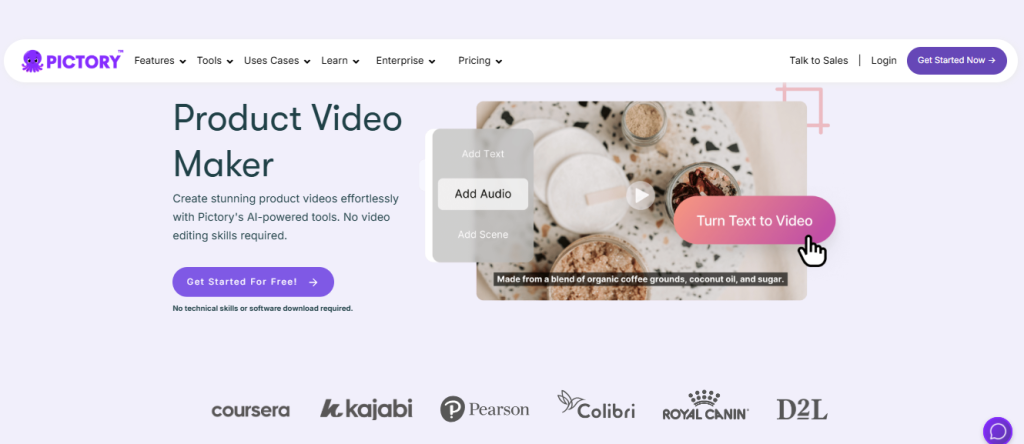
Pictory is another AI product video generator in the list. This tool is designed to simplify the process of video creation, which makes it beginner-friendly. Pictory handles the technical aspects, such as video editing, adding voiceovers, music, captions, and branding, allowing users to focus on the creative side.
Key Features
- Script-to-video and blog-to-video
- Automatic captions & subtitles
- Large stock video library
- Easy social media optimization
Best For
Content creators, social media marketers, and brands repurposing blogs.
Pricing (if available)
Pricing starts at $25/ month.
Pros
- Quick video repurposing
- Suitable for social media campaigns
- Supports auto-captioning
Cons
- Customer service incompetence and Google sign-in cache issues.
4. InVideo
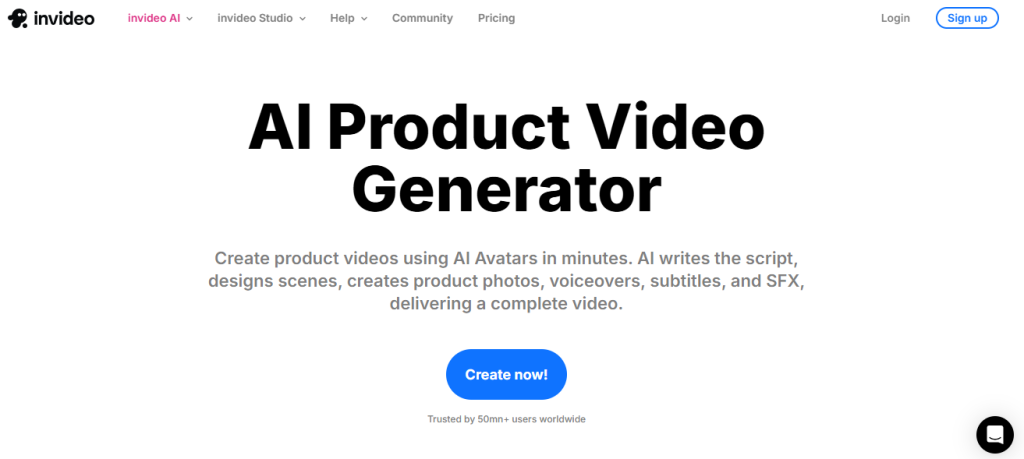
Invideo is a drag-and-drop AI product video generator that is designed to help brands, creators, and businesses produce engaging social media and product videos quickly. It comes with thousands of pre-built templates, stock resources, and AI tools that make video creation simple, even for beginners.
Key Features
- 5,000+ templates
- Text-to-video tool
- Stock images, music, and transitions
- Team collaboration
Best For
Small businesses, marketers, and agencies that are running frequent campaigns.
Pricing (if available)
Starts at $28/ month and goes up to $899/month
Pros
- Huge template collection
- Beginner-friendly interface
- Affordable
Cons
As the G2 review suggests, InVideo has potential but is plagued by poor execution, excessive branding, cluttered video output, and limited customer support, making it frustrating and unusable.
5. HeyGen
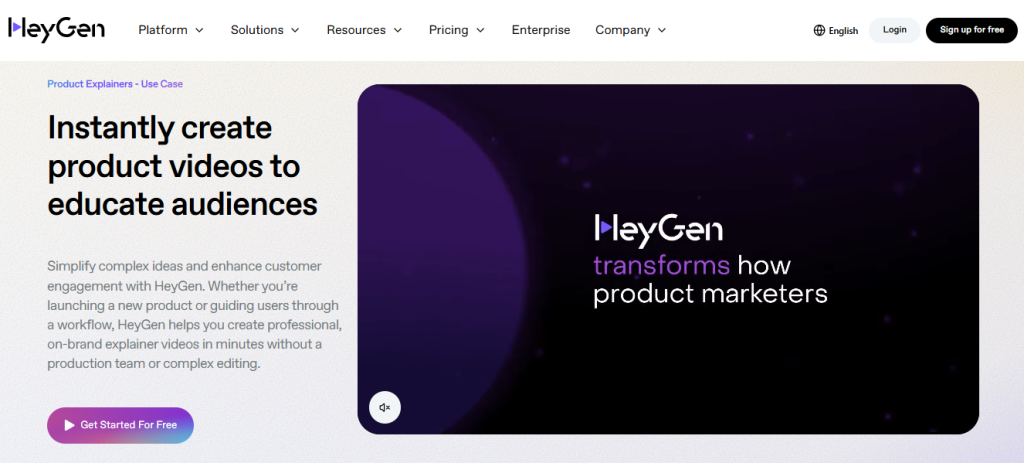
HeyGen is a great AI product video generator that focuses on creating lifelike avatar videos with natural lip sync and multilingual voice support. Its clean interface and fast rendering make it a popular choice for businesses looking to produce video without needing a studio setup.
Key Features
- Realistic AI avatars with lip-sync
- Voice cloning and multilingual support
- Script-to-video conversion
- Pre-built templates for promos and explainers
- Team collaboration and cloud storage
Best For
- SaaS companies are trying to create product videos.
- Businesses needing professional spokesperson videos
- Training, onboarding, and promotional campaigns
Pricing
Pricing starts at $29/mo and also offers custom plans.
Pros
- Ultra-realistic avatar quality
- Supports multiple languages and voices
- Great for professional-looking explainers
- Easy-to-use interface for beginners
Cons
- HeyGen offers a clean interface, fast rendering, and decent avatars, but frequent bugs make it unreliable.
- Poor, stall-heavy support and unresolved platform-wide issues leave production teams frustrated and blocked.
6. Runway ML
RunwayML is an AI-powered platform designed for creative professionals to create videos. These tools leverage AI to turn text or prompts into video. This tool has features for tasks like video editing, object replacement, and background removal. Let us take a look at some key features of RunwayML.
Key Features
- AI-powered video editing with advanced effects
- Motion tracking and object recognition
- Green screen removal (no chroma key required)
- Text-to-image and text-to-video generation
- Collaboration features for creative teams
Best For
- Creative professionals, filmmakers, and marketers who need cinematic-quality effects
- Agencies producing high-end video content
- Designers experimenting with generative AI visuals
Pricing
Starts at $28 per user per month and also offers a custom plan.
Pros
- Cutting-edge AI editing and creative effects
- Versatile use for both product videos and professional film projects
- Strong community and frequent feature updates
Cons
- Expensive prodigy compared to beginner-friendly tools
- Occasional inaccuracy in AI output.
7. Designs.ai
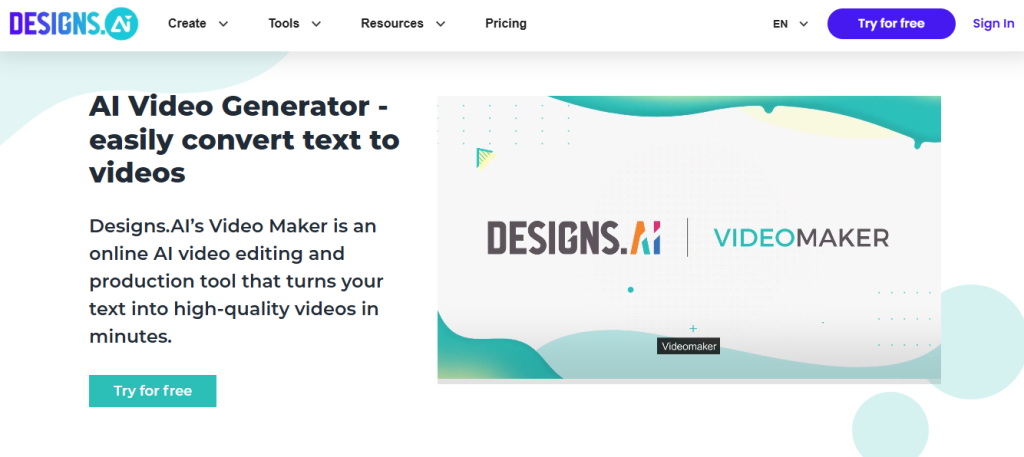
Designs.ai Videomaker is an AI-driven video generator that transforms scripts into branded videos with music, graphics, and voiceovers. It’s designed for startups and small businesses that want a consistent brand identity across content.
Key Features
- Script to video automation
- Custom branding (logos, colors, fonts)
- AI voiceovers in multiple languages
- Large stock library of visuals and music
Best For
- Startups, agencies, and SMBs
- Marketers who need consistent branding.
Pricing
Starts at $25/month and goes up to $169/month.
Pros
- Strong branding capabilities
- Easy-to-use automation
- Multiple language support
Cons
- Users have said the tool has accessibility issues and is expensive compared to other tools in the market.
8. Lumen5
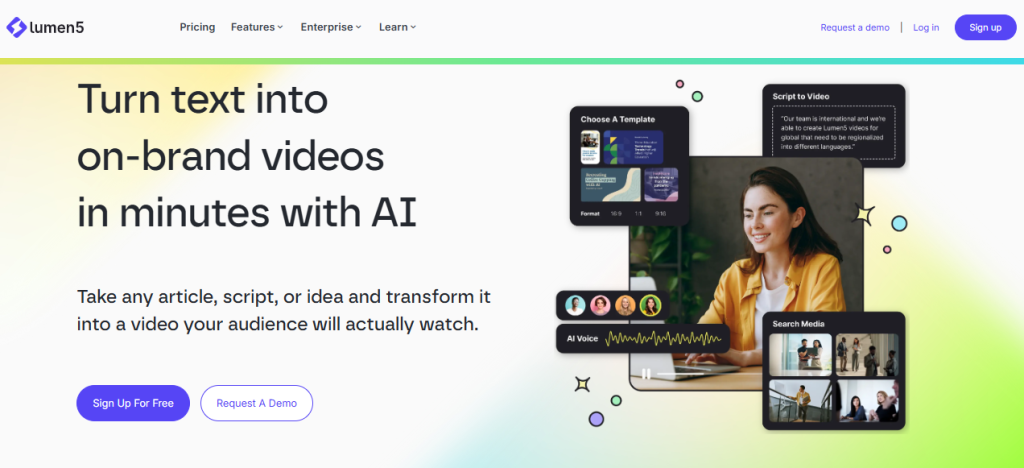
Lumen5 is an AI-powered video creation platform that helps users with immediate video generation. This tool uses AI to automate the process of turning text, such as blog posts or articles, into videos. Users can also upload existing videos or stock images.
Key Features
- Blog-to-video transform
- AI-powered storyboarding
- Text summarization tools
Best For
- Content marketers and agencies
- Brands repurposing blogs and long-form content into short videos
Pricing
Starts from $53/month and also offers a custom plan.
Pros
- Fast content repurposing
- Intuitive drag-and-drop editor
- Social media–ready formats
Cons
Lumen5 is often criticized for its limited features and a lack of deep customization options. On top of that, the higher pricing makes it feel inaccessible to users.
9. Colossyan
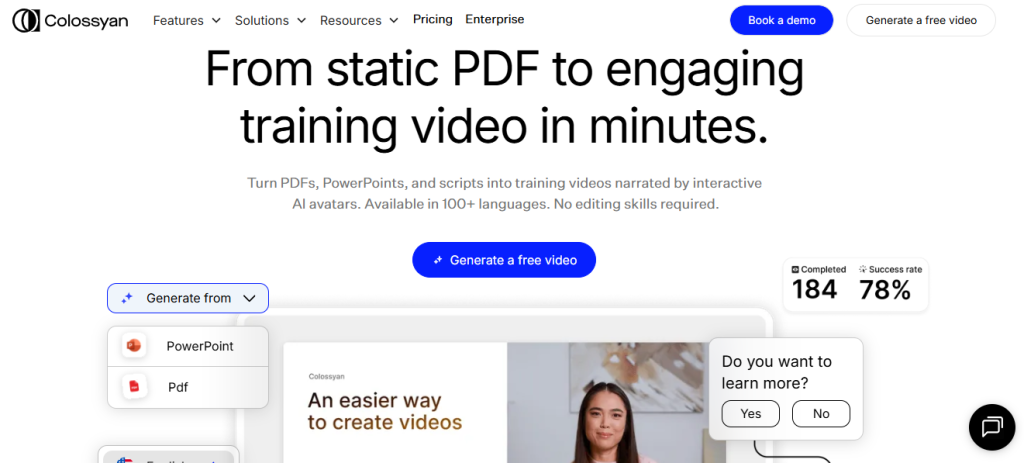
Colossyan is an AI video platform where anyone can easily turn text, documents, presentations, and screen recordings into avatar-narrated training videos. The platform is cloud-based, requiring no software downloads or installations. It offers a simple drag-and-drop interface that is intuitive even for beginners.
Key Features
- Professional-looking AI avatars
- Script-to-video automation
- Team collaboration tools
- Interactive learning features
Best For
- HR teams and internal training
- Businesses needing professional tutorials
Pricing
Starts at $27/month and offers custom pricing.
Pros
- High-quality avatars and voices
- Ideal for training and tutorials
- Supports multiple use cases for enterprises
Cons
Colossyan lets you preview videos before generating, but its unfair “use-it-or-lose-it” minutes policy feels money-grabbing and makes me not recommend it.
10. Veed.io
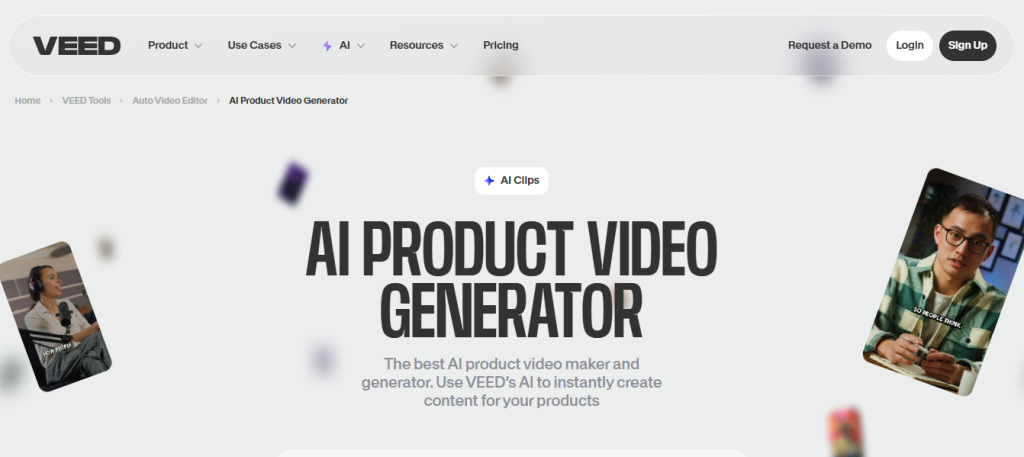
Veed.io is an online, user-friendly video platform that offers a wide range of tools to create or edit videos. It’s designed to be accessible to both beginners and experienced users, and it’s particularly well-suited for creating social media content, business videos, and educational materials.
Key Features
- Online editor with no software download required.
- Subtitles generation
- Screen and webcam camera
- Brand Kit
Best For
Content Creators, Educators, and marketers who need to produce professional-looking videos.
Pricing
Starts from $24 per month and offers a custom plan.
Pros
- It is easy to use.
- Storing subtitle and captioning tools
- Wide range of templates and stock assets
- Suitable for quick social videos.
Cons
- Watermark on free plans
- Limited editing features
11. FlexClip
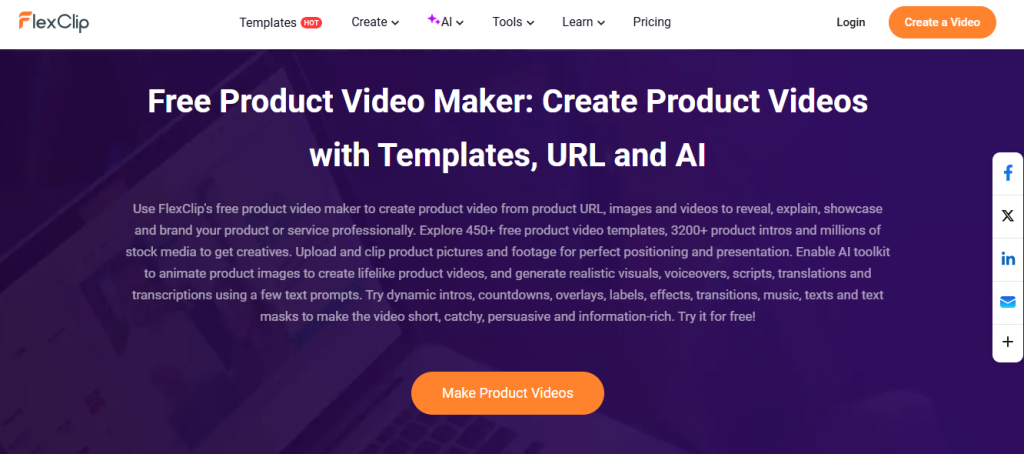
Flexclip is an online video editing tool that helps users to design a user-friendly experience, accessible to beginners as well as professionals. It offers a range of features such as customizable templates, stock media libraries, and subtitles.
Key Features
- Drag and drop timeline editors.
- AI text-to-video and subtitle creators.
- Screen recording and voiceover tools
- Supports aspect ratios for social media
Best For
Creative marketers, the educational industry, and more
Pricing
Starts at $30 per month
Pros
- Simple learning curve.
- Affordable pricing
- AI tools for faster videos
Cons
One of the reviews on G2 says, It is slow when editing, the page freezes. The rendering is horribly slow, a two-minute video takes an hour, and when it finally renders, the video freezes continuously.
How to Choose the Right AI Product Video Generator
Here are some of the ways to choose the right AI product video Generator.
1. Based On Use Case: Ads, Tutorials, Demos, UGC
Decide whether you need the tools for what sort of use case. Some platforms are better for short-form social media ads, while others focus on training or explainer content.
2. Budget And Team Size
Consider how much you are willing to pay for a tool. Along with that, also keep in mind the pricing-to-offering ratio. Small businesses may prefer affordable, easy-to-use tools, while larger teams might need advanced features with bigger collaboration tools.
3. Need for Avatars, Voiceovers, Or URL-Based Automation.
If your campaign needs a lifelike avatar, multilingual support, and URL-based video generation, choose a platform that offers all these features together.
4. Platform Compatibility (TikTok, YouTube, Shopify, etc.)
Make sure the generator supports the platforms you use most, whether TikTok, YouTube, Shopify, or Instagram, with the right export formats, aspect ratios, and integrations.
Final Verdict: Which One Should You Start With?
AI-product video generators have made the marketing campaign easier for marketers. Tagshop is one of the best AI product video generators for creating videos via URL and saving time. If you need professional-looking AI avatars, go for tools like Synthesia and HeyGen. However, you may encounter a high level of support. Therefore, choose your tool wisely.
Written by:

Wagisha Adishree is an AI-driven SEO content writer who transforms data, algorithms, and marketing insights into high-impact narratives. She combines human creativity with AI-powered strategies to create content that ranks, converts, and connects. Naturally curious and sharp-witted, she enjoys exploring AI newsletters, decoding Pinterest trend signals, and drawing inspiration from football culture.