
Top 8 AI Script to Video Generators 2026







If you have recently discovered script-to-video generators, let us tell you that this industry is not new. The global AI video generators market is experiencing significant growth, with an estimated value of approximately $555 million in 2023 and a projected annual growth rate of around 20%.
That is because content creation has become a daily demand, and not a monthly campaign. Marketers, educators, businesses, and creators are all under pressure to produce engaging video content more quickly. However, not everyone has the time, budget, or skillset to shoot, edit, and publish high-quality videos every week.
As a result, content creators, marketers, educators, and businesses are adopting the script-to-video generators. If you want to access these tools, we are here to assist you in this endeavor.
In this blog, we will unveil the A-Z of script-to-video generators. So, be with us till the end and see what these tools have to offer.
What is a Script-to-Video Generator?
Script-to-video generators are AI tools that help automatically convert scripts into fully fledged videos. Instead of filming a video, you write a script, pick a tone and a few images, and it compiles a video for you. It uses NLP/AI to understand your script, then automatically selects visuals, stock clips, animations, and narration.
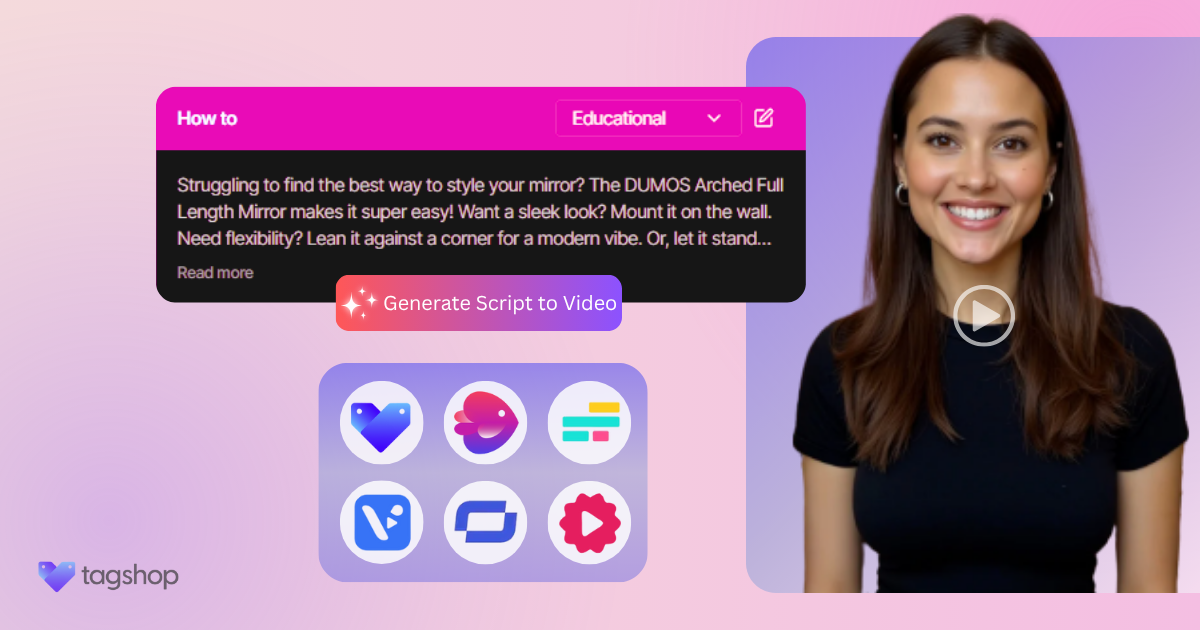
You simply paste your script or provide text into the tool, and the AI generates video content that speaks your script. For example, Tagshop is an AI tool that helps users to upload a script and generate a video.
Key components typically include a text input for your script, a text-to-speech engine for voiceover, and access to stock media (image, video clips, and music). The AI then assembles scenes according to your requirements. The goal is to produce a polished video from text without needing cameras or editing skills.
How Do Script-to-Video Generators Work?
Here is a typical workflow of a script-to-video generator:
1. Script Input
The process starts with a script. Either you paste a written script directly into the platform or upload a related file or URL. Some tools, like Tagshop, ask you to provide the product link and help to scrape out the needed information to create a video.
2. AI Analysis
Once you have entered the script, the tool further breaks down the process for you. It analyses the script line by line, which helps it to identify the key themes for the video. The system divides the script into logical scenes or segments, each one focused on a single idea or point.
Keywords are flagged to help match visuals and audio more accurately. This is the step where the magic begins, which turns plain text into a visual storyline.
3. Media Generation
This is where your words come to life. Using its internal library and algorithm, the tools categorize various visual assets, including stock video clips, animation videos, and more. This helps to align your script to the video visuals.
Next, AI script-to-video generators help generate voiceovers. This is not your regular robotic tone. Modern script-to-video generates like Tagshop and Sythesia synthesize natural-sounding narrations in multiple voices, accents, and languages to match your target audience.
Many of these script-to-video makers also allow you to select background music that matches the video’s mood.
4. Editing And Refinement
Once your video is ready, you can refine it with the editing feature. Most of the platforms include an intuitive editing interface where you can :
- Swap video clips or images.
- Change or re-record voice-overs.
- Adjust the timing and scene transitions.
- Modify the tones, background, and more.
Key Features to Look for in Script-to-Video Generators
Here are some of the key features to look for in Script-to-video generators.
1. Natural Language Processing and Script Understanding
Natural language Processing is at the heart of how these tools understand and break down your script. Advanced platforms intelligently parse the text, recognize context, and split into logical scenes or segments.
This helps the AI match the right visuals to each line of dialogue or narration. For example, Tagshop allows users to import blog URLs, articles, or outlines, and it then auto-generates a storyboard based on the structure and content, making repurposing content incredibly simple.
2. Customizable Video Templates And Themes
Templates are a massive time saver and branding asset. Most platforms offer a library of pre-built templates tailored to various video formats, including product promotions, tutorials, listicles, explainer videos, and social ads.
You can also select from different aspect ratios (square, vertical, landscape) to optimize for platforms like Instagram, YouTube Shorts, or LinkedIn. Custom themes and brand kits ensure consistency across visuals, which helps you maintain your brand’s look and feel throughout all video content.
3. Text-to-speech voice options and customization
Text-to-speech is a key pillar in script-to-video platforms, and the best ones offer high-quality, human-like narration in multiple languages. The best platforms these days do not offer to read out loud your scripts, but they add emotions, tones, and bring your script to life.
4. Automatic scene generation and visual matching
The AI should automatically match visuals to your script. Good tools save you from manual searches. Many of the tools also have a B-roll Generator.
This helps to automatically match your topic with relevant stock videos and images during the generation process. This makes sure each scene has suitable footage without manual browsing.
5. Editing Tools and User Interface
A good script-to-video tool is not just about automation, but it also gives you control over what to showcase in your video. It helps you refine and adjust the video according to your requirements and personalize the final output. This is where the editing tools and user interface come into play.
6. Export formats and resolution options
Once your video is completed, the final step is to export your video. Most script-to-video generators enable you to export videos in the standard MP4 format, ensuring compatibility with all major platforms, including YouTube, Instagram, Facebook, LinkedIn, websites, and more. Script-to-video generator tools like Tagshop help export videos in nearly all formats.
Top Script to Video Generators (with brief reviews, pros, cons)
| Tool Name | Best For | Key Features | Price (Per Month) |
|---|---|---|---|
| Pictory | Blog-to-video automation | Script-to-video, blog URL conversion, AI voiceovers, stock media library | $25 |
| Tagshop AI | End-to-end AI video ads | URL → script → avatar → video, AI UGC creators, social ad formats | $14 |
| Lumen5 | Marketing & social media videos | Blog-to-video automation, brand kits, drag-and-drop editor | $53 |
| Synthesia | AI avatar videos | AI presenters, multilingual voiceovers, script-based videos | $30 |
| InVideo | Online video creation | 5000+ templates, text-to-video, stock assets | $28 |
| Kapwing | Collaborative video editing | AI subtitles, smart editing tools, team collaboration | $50 |
| Visla | AI business video creation | Script-based video generation, AI voice narration, storyboarding | $39 |
| Fliki AI | Text-to-video with AI voices | AI voiceovers, blog-to-video conversion, multilingual support | $28 |