
Kling 3.0 Review: The AI Video Model You Direct Shot by Shot
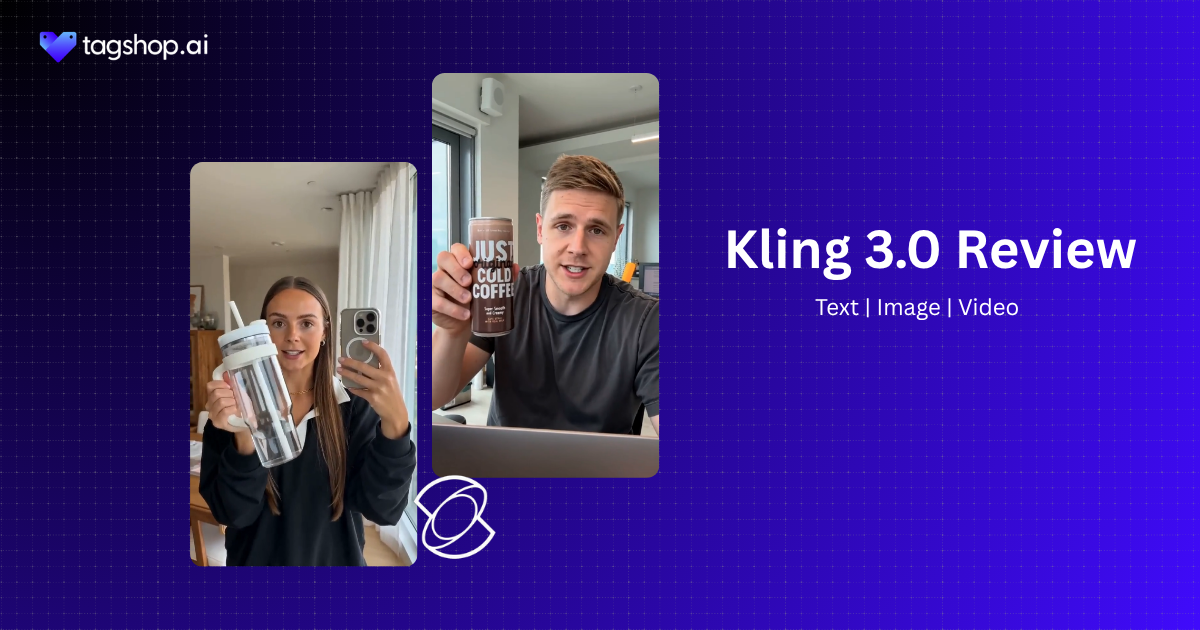







“Open on a wide. Cut to a close-up. Hold on her face as she says the line, then pull back for the reveal.”
That’s a director talking, not someone typing a prompt. And it’s close to how you actually brief Kling 3.0. Instead of describing one moment and hoping, you lay out a short sequence of shots, and the model builds them as one connected piece, with the same character carrying through and speaking in the same voice from the first shot to the last.
That’s what makes Kling 3.0 worth a serious look. Kuaishou’s earlier models were good at a single striking clip. This one is built for the harder job: telling a small story across several shots without the face changing, the voice drifting, or the whole thing feeling like three unrelated clips taped together.
Kling 3.0 is Kuaishou’s newest video model, and it arrives just as “can it hold a story” has replaced “can it make one nice frame” as the question worth asking. It landed on Tagshop AI as part of a broader model update earlier this year. In this review, I’ll cover what it does well, where it still fights you, and how to run it inside Tagshop AI, where it’s available now.
So What Exactly Is Kling 3.0?
Kling 3.0 is Kuaishou’s latest AI video model. You give it a prompt, an image, or a set of references, and it generates video. The headline is that it now generates sound simultaneously, so a clip can arrive with ambient audio, effects, and spoken dialogue already in place.
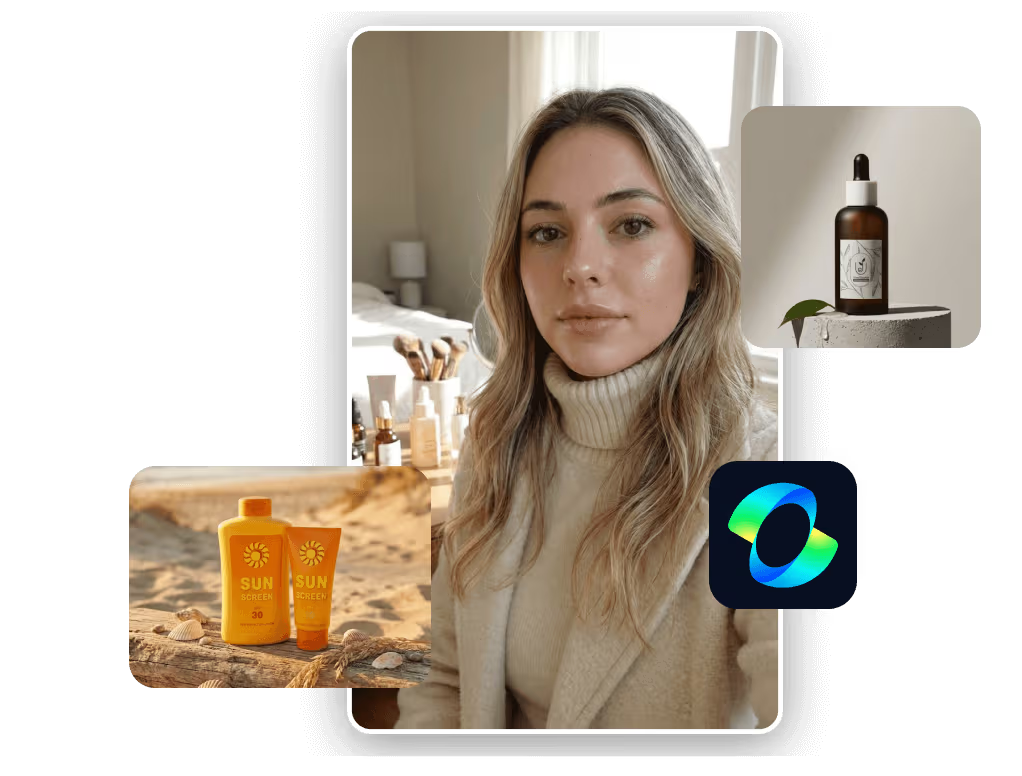
What separates it from earlier versions comes down to three things.
First, audio. Older Kling models were silent by default. 3.0 produces native audio, which changes the output from “footage you’ll score later” to “a scene you can almost use as-is.”
Second, structure. Kling 3.0 leans into multi-shot, storyboard-style prompting. Instead of describing a single continuous moment, you can lay out a short sequence of shots and have the model treat them as a single connected piece.
Third, consistency. Characters keep their faces and, now, their voices across those shots. That combination is what makes short-form storytelling possible, not accidental.
Put together, it fits into AI video production as a story tool, not a clip machine. You brief it more like a director sketching a board than a user typing a wish.
Kling 3.0 at a Glance
| Spec | Kling 3.0 |
|---|---|
| Developer | Kuaishou |
| Type | Text-to-video, image-to-video |
| Native audio | Yes, including dialogue |
| Shot control | Multi-shot, storyboard-style |
| Consistency | Character and voice across shots |
| Reference inputs | Yes |
| Max clip length | 15 sec |
| Resolution | 4K |
| Available on | Tagshop AI Asset Generator |
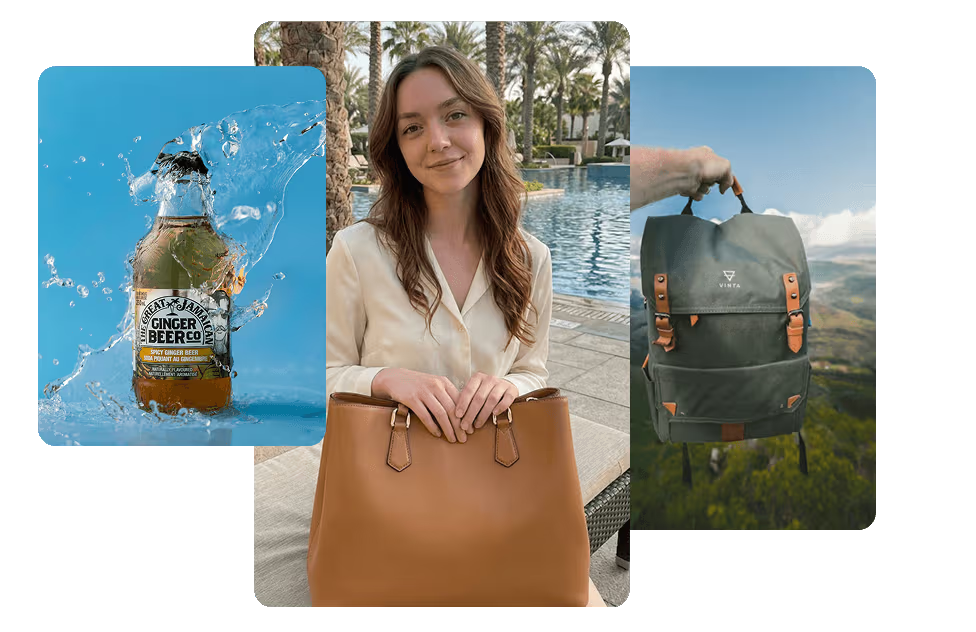
The Features Worth Directing Around
Native Audio and Dialogue: The Reason to Care
This is the reason to care. Kling 3.0 generates sound with the picture, so a character can speak, a room can have a tone, and a product can land with an effect instead of silence. When it works, you skip the entire post-production loop of sourcing, recording, and syncing dialogue manually with a separate audio pass.
Where it falls short: dialogue is still prompt-sensitive, and long or complex lines can drift in timing or emotion. You will re-roll some takes. Treat the audio as a strong first pass, not a locked final.
Why it matters: sound is half of video, and it’s the half most AI tools ignored. A model that gets you 80 percent of the way there on the first try saves hours per clip, which is real money for anyone shipping volume.
Multi-Shot Storytelling, Actually Working
Instead of one unbroken take, you can prompt a short sequence: a wide, then a close, then a reaction. Kling 3.0 treats those as a connected piece rather than three unrelated clips — closer to a script turned into a shot list than a single generated moment.
Where it falls short: you don’t get full timeline control, and the model still makes its own calls about pacing and framing. Think of it as directing a capable crew that occasionally ignores your notes.
Why it matters: most ads and brand films are not one shot. The ability to build a small sequence in a single generation is what moves this from social filler to something an agency can actually pitch.
The Same Face, the Same Voice, Every Shot
A face that changes between shots kills a video instantly. Kling 3.0 works to hold both the look and the voice of a character across a sequence, so your spokesperson stays your spokesperson from the first line to the last.
Where it falls short: consistency is strong, not perfect. Fine details can wobble on longer or busier sequences, and you’ll want to check close-ups. This is also the single most searched question about the model, so people clearly test it hard.
Why it matters: recurring characters are how brands build recognition. If the face and voice hold, you can run a character across a whole campaign instead of a single post.
Reference Inputs That Keep It On-Brand
You can feed Kling 3.0 references to anchor a look: a product, a person, a style — the same idea behind Tagshop’s own photo-to-avatar references. The model uses them to keep the output on-brand rather than inventing from scratch.
Where it falls short: like every model, it rewards clean references and punishes messy ones. Low-quality inputs produce approximations, not matches.
Why it matters: reference control is the difference between “a bottle” and “your bottle.” For commercial work, that distinction is the whole job.
Motion That Still Feels Shot, Not Simulated
Kling has always been strong on motion, and 3.0 keeps that reputation: believable physics, natural movement, camera work that feels shot rather than simulated.
Where it falls short: ambitious motion still trips it up occasionally, and the shorter clip ceiling means you’re working in tighter windows than a longer-format model. Big, sweeping ideas may need trimming.
Why it matters: realistic motion is what lets AI footage sit next to real footage in an edit without breaking the spell.
Directing Kling 3.0 on Tagshop AI: Step by Step
Same Asset Generator flow as the rest of the models, so if you’ve run one on Tagshop, this will feel familiar. A note before you start: Kling rewards specific briefs and punishes vague ones, so expect a little iteration on your first few tries.
1. Paste your product URL or upload image.
Loin to Tagshop AI and paste your product URL, and Tagshop pulls the images and product details for you. Prefer to bring your own? Upload up to 50 files across images, video, and audio. Good references here pay off later, so use clean ones.
2. Choose Kling 3.0 and set your scene.
Pick Kling 3.0 from the AI Models menu. Describe your subject, your setting, any dialogue you want spoken, and how the shots should move from one to the next. If you want a sequence, lay it out shot by shot rather than in one long run-on line.
3. Generate, refine, and publish.
Kling 3.0 produces the video with native audio in one pass. Check the dialogue timing and any close-ups first, since those are where it’s most likely to need a re-roll. When it’s right, publish straight to Meta or TikTok from the Tagshop dashboard.
7 Kling 3.0 Prompts Worth Stealing
Write these like a brief, not a sentence. Name the shots, the mood, and any lines you want spoken, and load your references first. Swap the bracketed parts for your own — or start from a template in the Inspiration Gallery if you want a running start.
1. Cinematic ad
Cinematic ad for [product]. Shot 1: slow push-in on the product against a dark, moody backdrop, single-source light. Shot 2: a person picks it up, warm light, soft focus behind them. Shot 3: close-up on the logo. Add subtle ambient sound and a low, confident music bed.
2. Product launch
Product launch clip for [product]. Open on a reveal from shadow into light. A calm voiceover says: “[one-line launch message].” Keep the product’s shape and color exact to the references. Clean studio setting, crisp sound design on the reveal.
3. Dialogue scene
Two people at a cafe talking about [topic]. Person A says: “[line 1].” Person B replies: “[line 2].” Natural lip sync, real room tone, relaxed pacing. Keep both faces and voices consistent across the exchange.
4. Multi-shot brand film
3-shot brand film for [brand]. Shot 1: a hand opening a door into morning light. Shot 2: the same person using [product], mid-shot. Shot 3: a wide of them walking away, satisfied. Same character throughout. Warm, editorial tone, light ambient audio.
5. Ecommerce product demo
Product demo for [product]. Show it in use across two angles, then a close-up on the key feature. A friendly voiceover explains: “[feature benefit].” Bright, clean lighting, clear sound. Keep the product identical to the reference images.
6. Premium social reel
Vertical social reel for [brand]. Fast, stylish cuts of [product] in three quick settings, upbeat music, punchy sound effects on each cut. Confident and modern. End on the logo with a short audio sting.
7. Character continuity test
Same character across three shots: talking to camera, then holding [product], then laughing. Keep the face, hair, outfit, and voice identical in every shot. Neutral background, consistent lighting, natural dialogue.
Who Should Actually Use This
Performance ads. The pain is volume and cost per asset. Native audio plus multi-shot means you can ship a finished-feeling ad without a separate sound pass, so you test more creative for the same campaign budget.
Branded storytelling. The pain is that most AI clips have no narrative. Storyboard prompting and character consistency let you tell a small, coherent story instead of posting another pretty but empty loop.
Ecommerce. The pain is producing video for every SKU. Reference inputs keep the product accurate, and dialogue or voiceover lets you explain a feature without booking a shoot.
Agencies. The pain is turnaround. You can present multi-shot directions with sound in a day, then iterate, which is far faster than scheduling a crew for every concept.
Creators. The pain is doing everything alone. A model that handles both pictures and audio together removes the editing bottleneck that consumes most of your time.
Marketing teams. The pain is being dependent on outside production for everything. Kling 3.0 brings short, on-brand, sound video in-house, so small ideas don’t die waiting on a vendor.
Kling 3.0 vs Veo 3 vs Seedance 2.5 vs Runway: The Honest Read
Honest comparison. Where I can’t confirm a current number, I’ve flagged it rather than guessed.
| Feature | Kling 3.0 | Veo 3 | Seedance 2.5 | Runway Gen-4 |
|---|---|---|---|---|
| Native audio | Yes (dialogue, sound effects, ambience) | Yes (dialogue, sound effects, ambience) | Yes (synchronized dialogue & audio) | No |
| Multi-shot / storyboard | Excellent | Good | Excellent (long coherent sequences) | Good |
| Character consistency | Excellent | Excellent | Excellent | Excellent (reference-based consistency) |
| Editing control | Good (camera & shot controls) | Good (instruction-based edits) | Excellent (localized edits, scene control) | Excellent (masking, references, Motion Brush, scene editing) |
| Output style | Cinematic | Highly photorealistic | Cinematic | Photorealistic / Cinematic |
My recommendation: if your work needs sound and a sense of story in short bursts, dialogue, reactions, a small sequence with a voice, Kling 3.0 is the one I’d reach for. If you need one long, continuous 30-second take that never cuts, Seedance 2.5 is the better fit, and Veo 3 remains a serious rival on audio-led realism. Check Veo, Seedance, and Runway’s current specs yourself before a client-facing head-to-head, because these models change fast.
The Real Pros and Cons
What’s genuinely good
- Native audio with dialogue, which removes a whole post-production step.
- Multi-shot, storyboard-style prompting for actual short stories, not just loops.
- Strong character and voice consistency across a sequence.
- The cinematic motion Kling has always done well.
What still needs you
- Clips run short, so big continuous ideas don’t fit. This is where Seedance 2.5’s length wins.
- It’s prompt-sensitive. Vague briefs get vague results, and dialogue timing can miss.
- You’ll still iterate, especially on close-ups and longer lines.
- Not every job needs this. For a quick silent B-roll clip, this level of control is overkill.
The Takeaway: Direct It Like a Story, Not a Wish
Kling 3.0 is for people who want their AI video to say something, out loud, with a story behind it. Native audio, dialogue, multi-shot control, and consistent characters add up to short videos that feel produced rather than generated. It won’t give you a long continuous take, and it will make you iterate. For story-driven, sound work in short form, though, it’s one of the most complete tools available right now.
Frequently Asked Questions
Kling 3.0 is Kuaishou’s latest AI video model. It generates video from text, images, or references, and unlike earlier versions, it produces native audio, including dialogue, while keeping characters and voices consistent across multiple shots. It’s available on Tagshop AI.
The big change is sound. Older versions were silent by default; 3.0 generates native audio and dialogue with the video. It also adds stronger multi-shot, storyboard-style control and better character and voice consistency across a sequence.
Yes. Kling 3.0 generates audio alongside the video, including ambient sound, effects, and spoken dialogue. Timing on complex lines can still need a re-roll, so treat the first pass as a strong draft rather than a locked final.
Feed it a clear reference of your character, then keep their description identical across every shot in your prompt, including face, hair, outfit, and voice. Lay shots out one by one, and check close-ups first, since that’s where small details are most likely to drift.
Kling runs on a credit-based model, and pricing varies by plan. On Tagshop AI, Kling 3.0 is one of the models inside the Asset Generator.
Use Kling 3.0 when you need sound, dialogue, and short multi-shot stories. Use Seedance 2.5 when you need one long, continuous 30-second take without cuts. They solve different problems, and both live inside Tagshop AI.
Yes. You’ll find Kling 3.0 in the Tagshop AI Asset Generator. Paste a product URL or upload your assets, choose Kling 3.0, generate with native audio, and publish to Meta or TikTok from the dashboard.
Written by:

Kashish Vaswani is a Content Strategist at Tagshop AI, specializing in AI-powered marketing, UGC advertising, and eCommerce content. She creates actionable guides, industry insights, and product-focused resources that help brands, marketers, and creators leverage AI to produce high-converting video ads and scale their content strategy with confidence.
 Add Tagshop.ai as a preferred source in Google Search






 Introducing

 Wan 3.0 is now live on Tagshop AI
