
How to Make AI UGC Video Using AI Video Agent
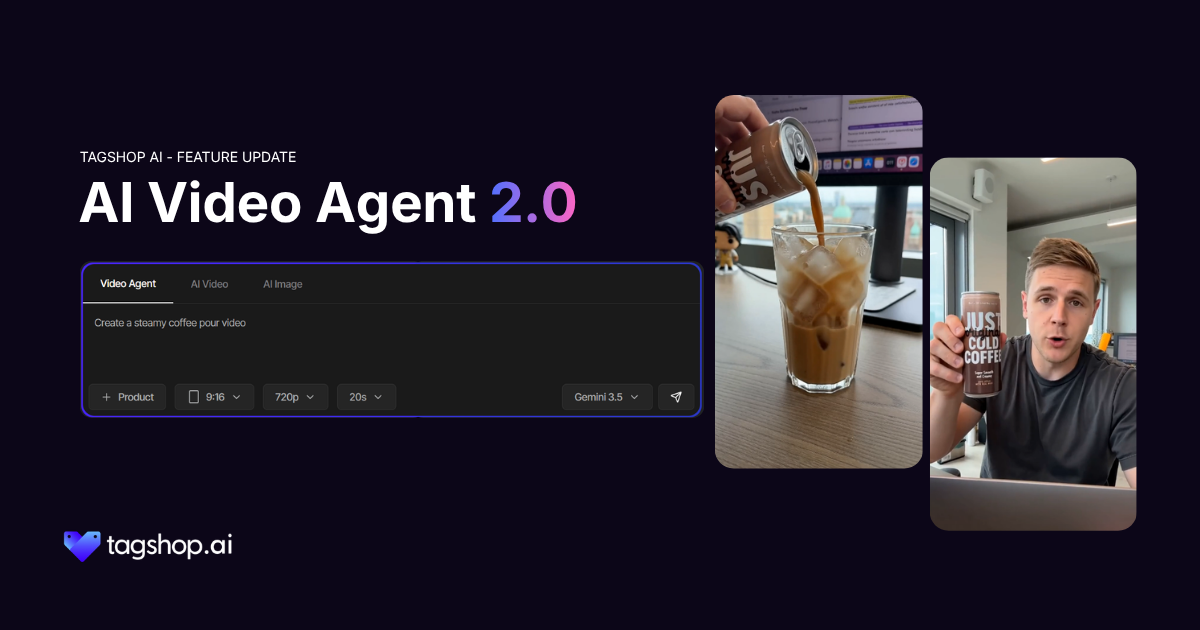







People trust a stranger’s honest reaction to a product more than they trust anything a brand says about itself. That single fact is the whole reason UGC beats polished ads almost everywhere it runs.
Getting enough of it is where things fall apart. One creator ghosts mid-brief, another sends back a draft that’s nothing like what you asked for, and now you’re paying for a reshoot on something that was supposed to take two days. Multiply that by every product in your catalogue, and it stops being content; it turns into a second job managing people.
That’s the part AI Video Agent 2.0 replaces, not the format, but the obstacle.
What “AI UGC Video” Actually Means
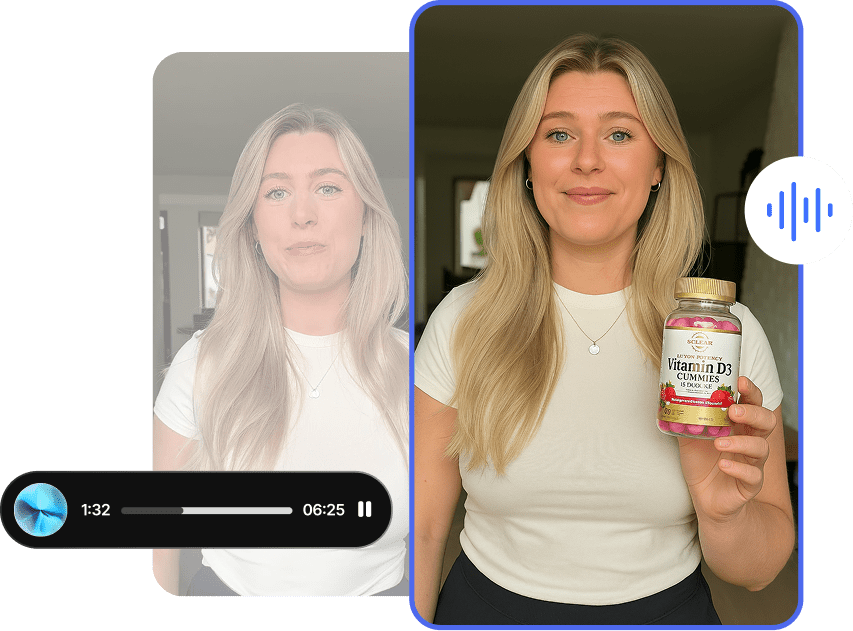
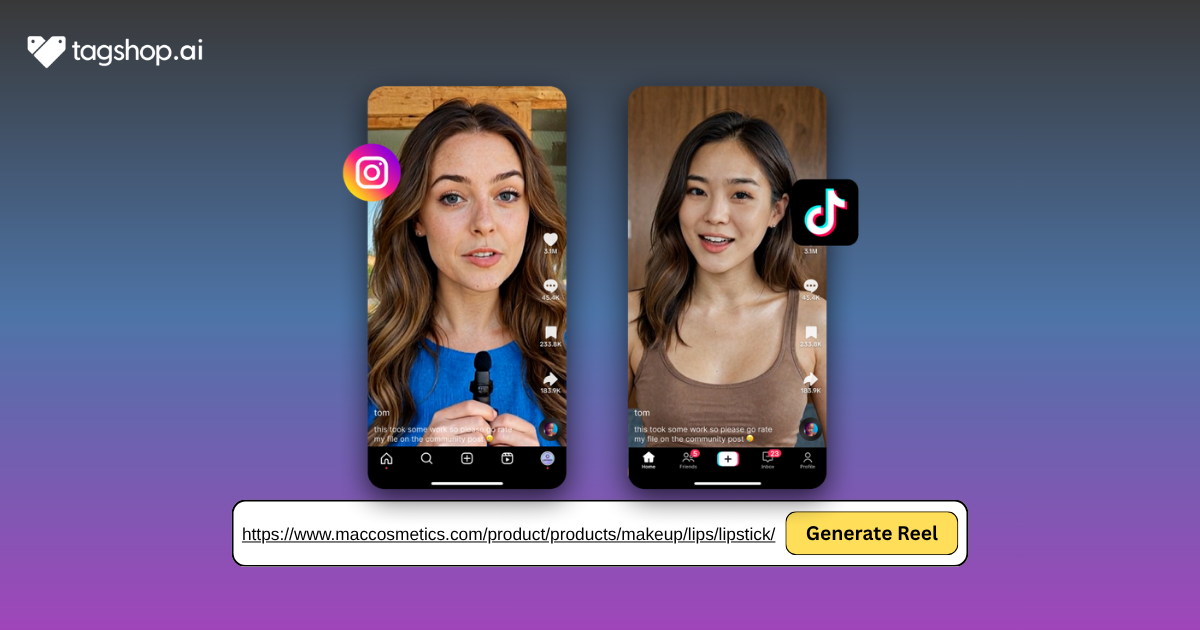
AI UGC video is exactly what it sounds like: content built to look and feel like real, organic user-generated footage, product-first, casual tone, no polish, but generated instead of filmed. Same style your audience already trusts, without needing an actual creator behind the camera.
Done well, it’s genuinely hard to tell apart from the real thing, which is the whole point. Done badly, it looks like an AI video pretending to be UGC. The difference usually comes down to how it’s made, not just what tool makes it.
How to Make One, Step by Step
Step 1: Start With Your Idea
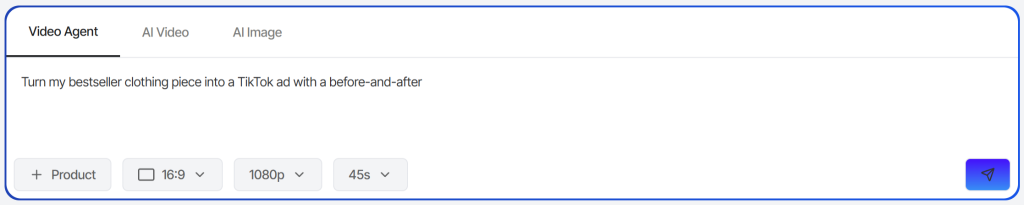
Open AI Video Agent 2.0 and type what you want in plain language. Something like “Turn my bestseller into a TikTok-style UGC video” is enough to start. Don’t write a script, the Agent’s built to work from a rough idea, not a finished brief.
Step 2: Add Your Product
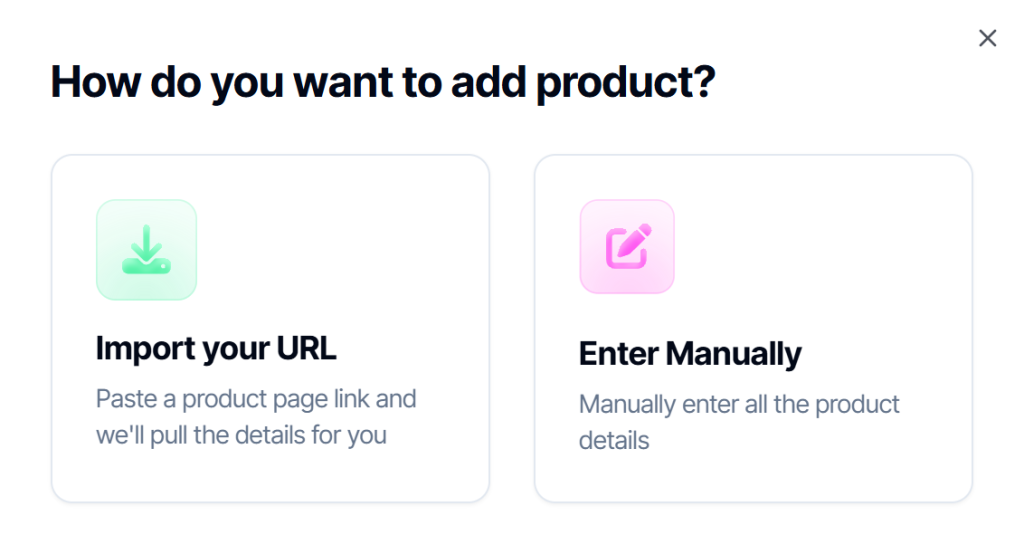
Paste a product URL, and the Agent pulls in the description and images automatically, or fill it in manually if you don’t have a link. Either way, this is what grounds the video in your actual product instead of something generic.

Step 3: Set the Format
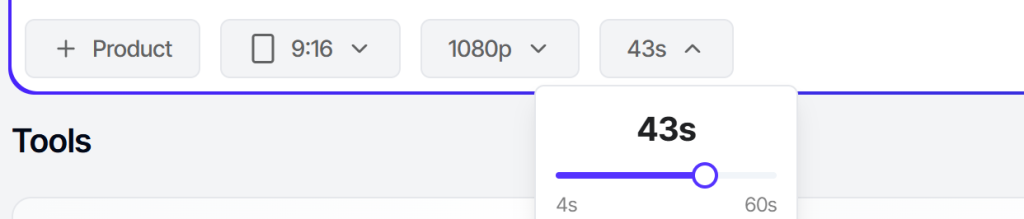
Pick your aspect ratio and resolution, then set your length, anywhere from 4 seconds up to a full 60, one of the biggest additions in 2.0. For UGC specifically, don’t default to the shortest option out of habit, real UGC often runs long enough to build a little context before the payoff: a problem, then the product, then the reaction. A model is pre-selected for you, but you can change it if you want.
Step 4: Answer the Follow-Ups
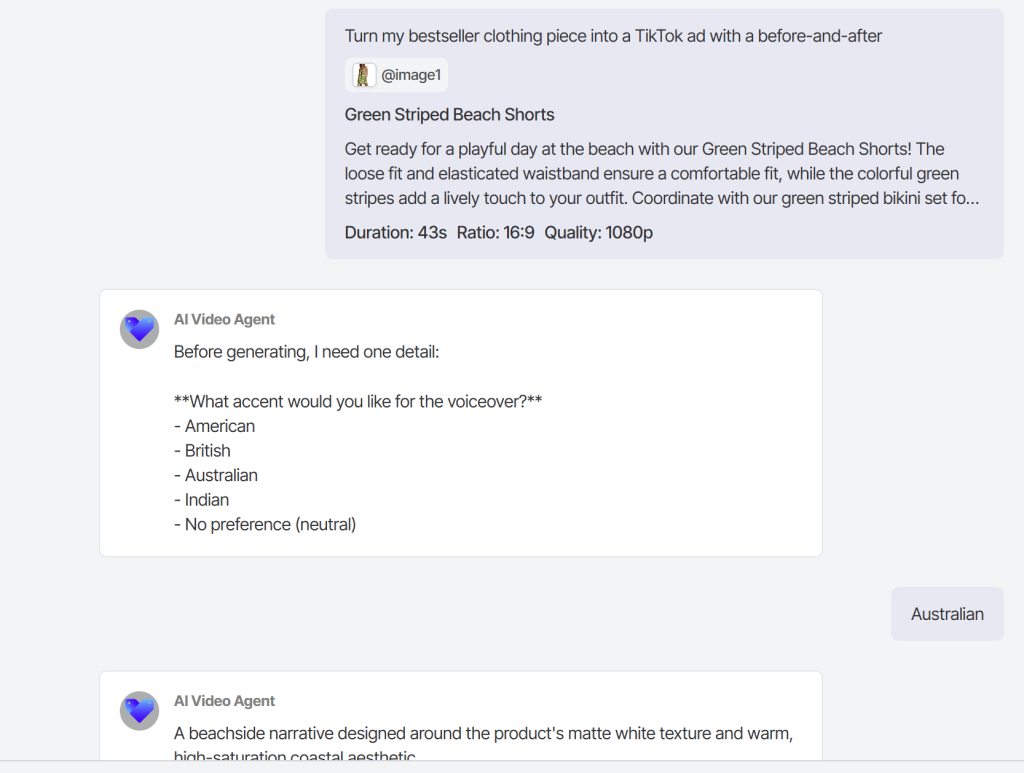
The Agent will ask about your audience, tone, and message before it builds anything. This step matters more than it looks. Answer like you’re describing the video to a friend, not writing marketing copy, the more natural your answers, the more the output sounds like something a real person would post.
Step 5: Review the Storyboard
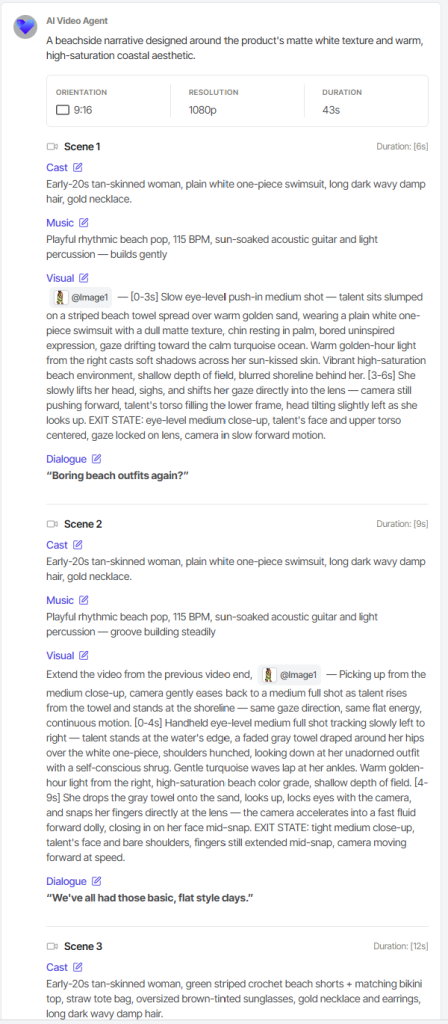
This part is new in 2.0. Before anything renders, you’ll see the full plan, scene by scene. This is where you catch anything that reads as too polished or too “ad-like.” If a scene feels off, say so directly: “make this feel more casual” or “cut the product shot in scene 2, keep it just talking,” and that scene updates without touching the rest.
Step 6: Generate and Fine-Tune
Once the storyboard looks right, generate the video. If one scene still isn’t landing after you see it in motion, you can regenerate just that piece rather than starting over.
Step 7: Download and Post
Export and publish wherever your audience actually is: TikTok, Reels, YouTube Shorts. No further editing required, but nothing stopping you from tweaking it later either.
What People Are Talking About AI Video Agent On Reddit
How AI video agents are changing the way we create ads with AI. What I have experienced is that it has made my paid marketing campaigns much easier to launch.
by u/ChrisJhon01 in AI_UGC_Marketing
AI agents are collapsing entire production pipelines. Now it is generating the images and videos just by chatting with the chatbots.
by u/Saurabh19veer98 in AI_UGC_Marketing
Prompt Tips That Actually Change the Output
A few things that consistently separate AI UGC that reads as real from AI UGC that reads as AI:
- Describe a person, not a product feature. “Someone genuinely surprised this actually works” gives the Agent more to build a natural-feeling scene around than “showcase the product benefits.”
- Say the platform out loud. TikTok, Reels, and Shorts each have a different pace and visual language. Naming the platform in your first prompt shapes the whole video, not just the aspect ratio.
- Let the follow-up questions do their job. Skipping past them with vague answers is the fastest way to end up with something generic. Specific answers here are doing more work than a longer initial prompt would.
- Ask for imperfection on purpose. Real UGC isn’t smooth. If a scene comes back looking too polished, telling the Agent to make it feel more casual or handheld is a completely normal note, and usually the exact fix.
- Give the Agent the right business context. If you’re creating content for an AI agent development company, mention the target audience, use case, and desired outcome. That extra context helps the Agent generate UGC that feels more authentic, relevant, and aligned with the brand instead of sounding generic.
Where This Leaves You
UGC video was never the hard part, the format works, everyone already knows that. Getting enough of it, fast enough, without having to manage a roster of creators was the actual bottleneck.
That’s what this closes. Same rough, honest style your audience trusts, without the wait.
Frequently Asked Questions
Yes, when it’s done well. Viewers respond to tone and honesty, not who filmed it. What matters is the video still feels unscripted, not where it came from.
Yes. The giveaway usually isn’t the visuals; it’s when the tone reads too polished. Casual, specific prompts fix that fast.
Depends on the platform, but most work best between 15 and 45 seconds, enough room for a hook, a build, and a payoff.
It’s Tagshop AI’s tool for turning a product and a rough idea into a finished video through conversation, no editing software, no hired creator required.
You see the full storyboard before anything renders, and can edit individual scenes after. Most tools only give you one finished clip to accept or reject.
Yes. AI Video Agent lives inside your Tagshop AI dashboard, so you’ll need an account to access it and generate videos.
Written by:

Kashish Vaswani is a Content Strategist at Tagshop AI, specializing in AI-powered marketing, UGC advertising, and eCommerce content. She creates actionable guides, industry insights, and product-focused resources that help brands, marketers, and creators leverage AI to produce high-converting video ads and scale their content strategy with confidence.
 Add Tagshop.ai as a preferred source in Google Search







 Introducing

 Wan 3.0 is now live on Tagshop AI
