How to Create AI UGC Video Ads for App and Tech Products
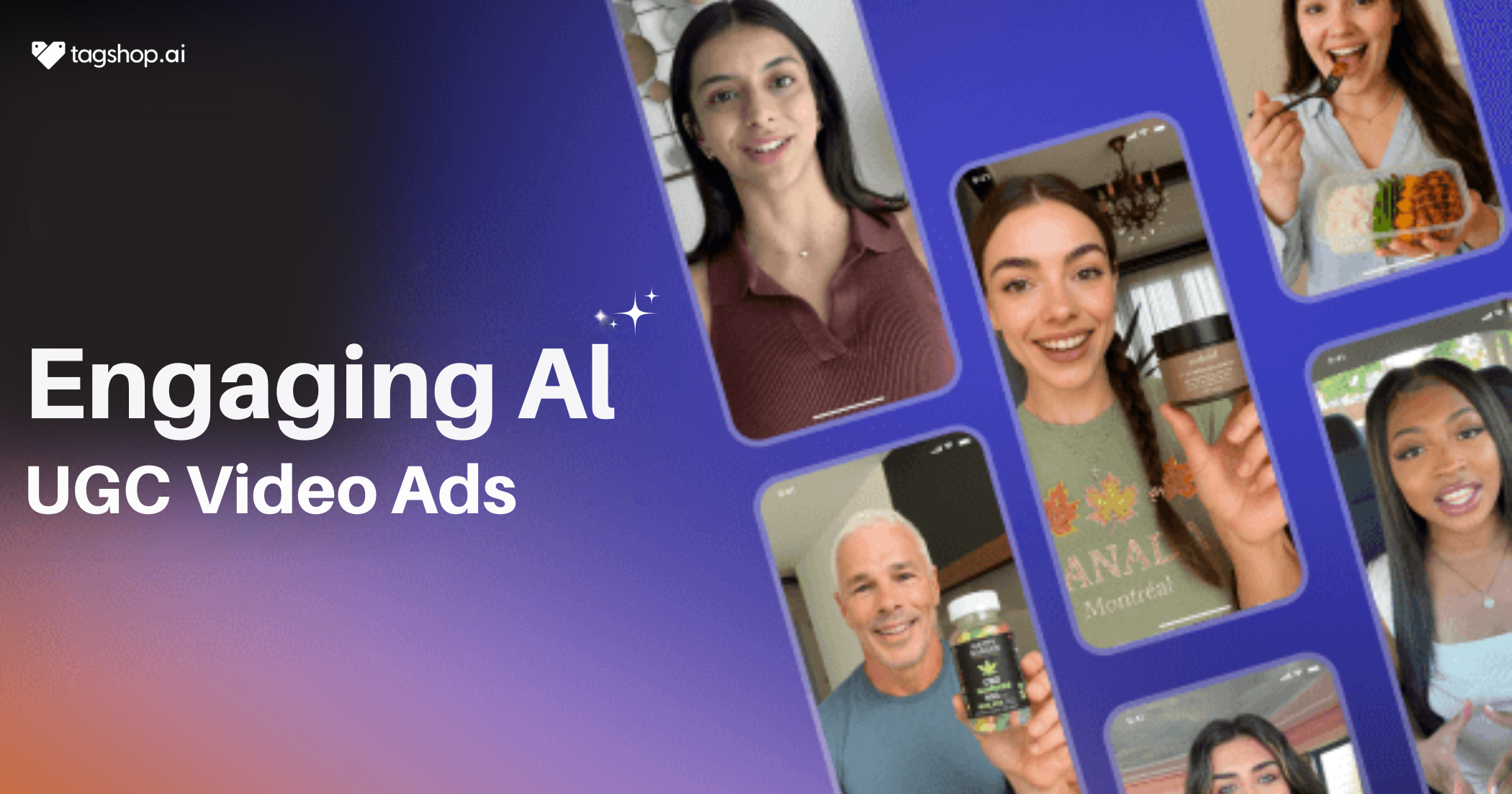







Your app is fire, but customer acquisition cost is eating you alive. Every ad you create gets skipped faster than a terms-of-service screen, right? Don’t worry, we’ve got a solution for you – AI UGC for app and tech products. 15-second clips that feel like your best user just woke up, grabbed their cracked iPhone, and screamed “this app actually changed everything” straight to the camera.
Same messy bedroom, same raw hype, zero real humans paid. These sneaky little videos are printing installs on TikTok Spark, Reels, and app store pages while others still beg creators for deliverables. Not familiar with AI UGC yet? Read our guide on what AI UGC is and how software brands use it before diving in.
Things to Keep in Mind While Creating AI UGC Videos
Identify Your Goal
Decide exactly what the video must deliver: raw installs, free-trial sign-ups, paid conversions, or in-app feature adoption. Write one clear line the team can’t misread. Every script, avatar, and CTA flows from this single goal.
Understand Your Audience
Know who actually pays or downloads. Are they 22-year-old gamers, 35-year-old remote managers, or enterprise CTOs? Build the avatar to look and sound like them: hoodie and messy desk for devs, clean home office for marketers. Match the pain point they wake up thinking about.
Gather Key Information
Pull everything the AI needs to sound legit: exact app name, hero screenshots, three killer features, the one pain it kills, 5-star review quotes, download numbers, brand colors, logo files. Grab the App Store link so the tool can scrape real copy and icons.
How to Create AI UGC Video Ads Using Tagshop AI
Like we told you, Tagshop AI makes it easy for you to make AI UGC Ads for App and Tech Products. You just need to follow the steps below: no shoots, no creators, no waiting.
Step 1: Sign Up or Log In to Tagshop AI
Log in to Tagshop AI and hit “Start Free” – no card required, just email and verify. The dashboard opens in 30 seconds, clean as a new app screen.
Step 2: Chat with Agent
No need to write long scripts or prompts; just chat with our AI video agent, and it will handle everything. Reply with inputs and get ready to use UGC video in minutes.
Step 3: Download and Launch Your Video
Export the AI UGC video in crisp MP4, watermark-free on pro. Use it across paid ads, app store pages, or social channels. Run A/B tests with swapped avatars, hooks, or CTAs to see what converts.
Tips to Make Your AI UGC Ads Perform Better
Keep it story-driven, not overly promotional: Start with the struggle: “I was drowning in notifications until…” then show the fix. Save the hard sell for the last three seconds.
Show real app interface or use cases in background clips: Let the avatar open the actual app on screen, swipe through the exact flow, and tap the button viewers will tap. Brands that keep the interface visible for at least five seconds convert way higher.
Add social proof snippet: Flash “4.9 stars · 2M downloads” or “trusted by 500k remote workers” in big text at the eight-second mark.
Use trending sounds and short hooks: Grab whatever sound is blowing up this week and match the first beat. Open with a hook that forces a double-take: “I deleted every other app after this.”
Test different languages or tones for global reach: Duplicate the project, swap the avatar to a local face and accent, and translate the script. Same cost, ten new markets.
Why AI UGC Works for App and Tech Brands
Builds trust quickly:
Customers ignore brand ads but stop for real people. AI UGC for app and tech products looks exactly like a genuine user who just discovered your app and had to tell the world.
Explains complex products simply:
Tech features confuse people in seven seconds flat. An AI avatar that looks and talks like your actual user can open the app on screen and say “look how easy this is” in plain language.
Faster scaling:
Need Spanish, German, and French versions? Change the avatar’s accent and face in one click. Brands launch 50 tested variations while competitors still wait for one creator to answer DMs.
Cost-effective:
A single real-UGC shoot costs $5k–$15k and one week. AI UGC costs pennies per clip and finishes in minutes.
Cross-platform adaptability: One project exports perfect 9:16 for TikTok Spark and Reels, square for Facebook feed, landscape for YouTube, and 1:1 for app store preview videos.
Conclusion
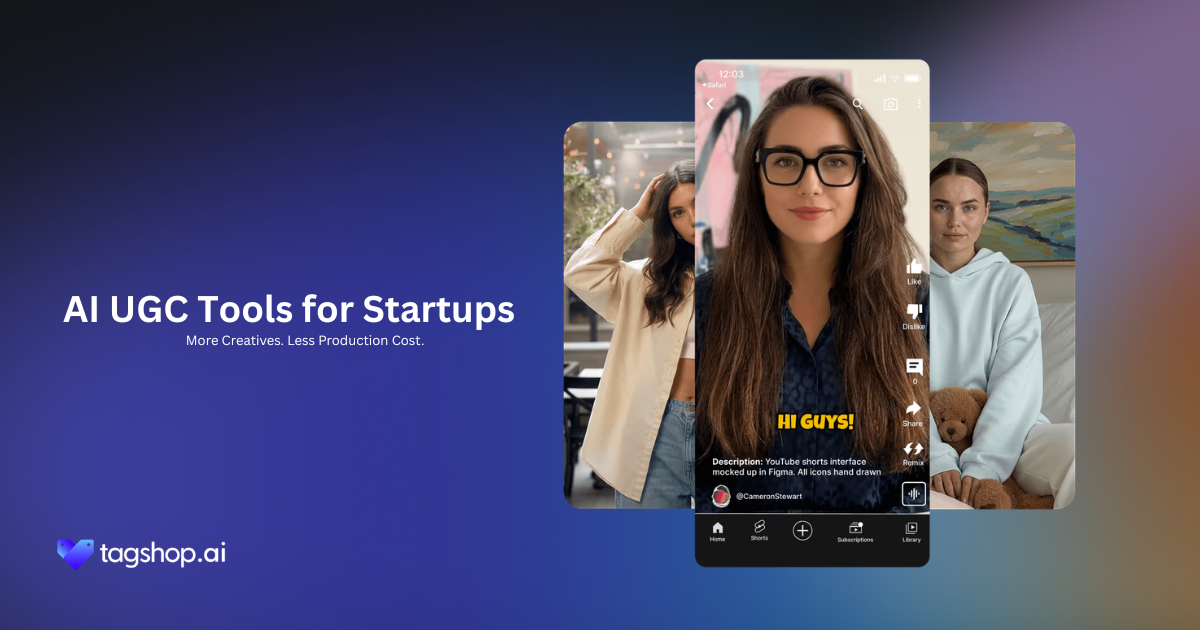
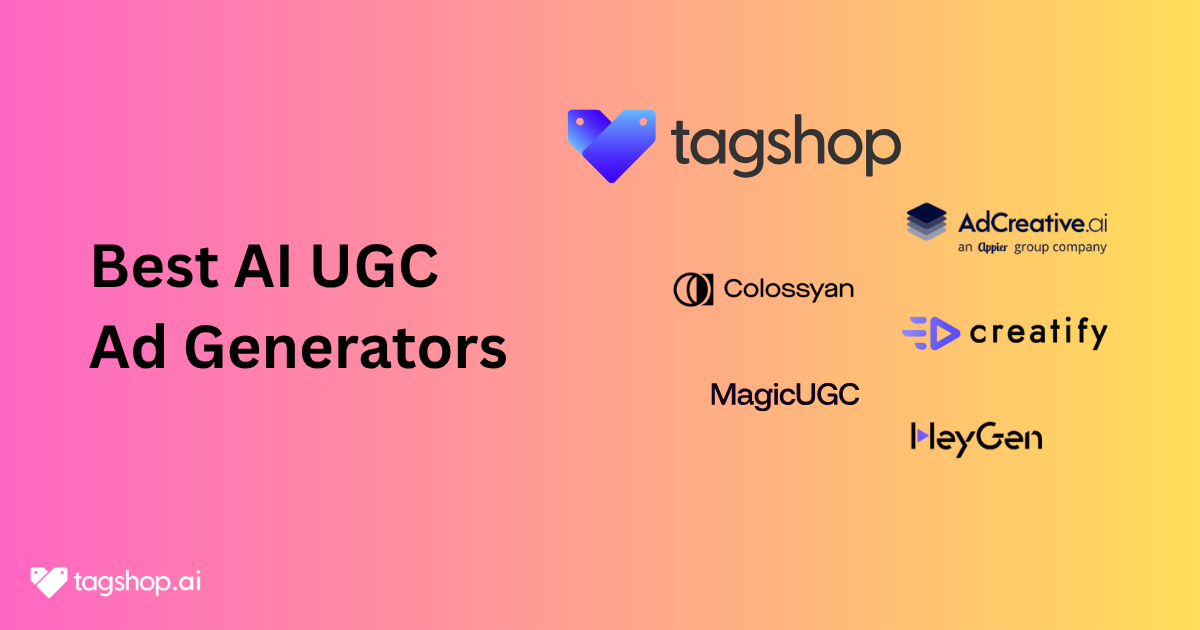
Thanks to tools like Tagshop AI, creating AI video ads for apps and tech products is not only manageable but also enables you to produce high volume quickly. Before choosing a platform, compare options in our guide to the best AI UGC tools for SaaS and app companies.
Also worth reading: a comprehensive AI UGC platform comparison guide that covers how to get the most reach from each video you create. For other service-based business categories, see our guide to AI UGC ads for real estate businesses.
Frequently Asked Questions
Yes! An AI avatar that looks and talks like your actual user can open the real app on screen, swipe through the exact flow, and explain everything in plain, conversational language like “look how easy this is.” No jargon, no overwhelm.
A single real-UGC shoot with a live creator costs $5,000–$15,000 and takes at least a week. With AI UGC (using tools like Tagshop AI), the same-quality clip costs pennies and finishes in minutes. No studio, no actor fees, no revisions.
The hook must grab attention in the first 3 seconds (or less). Open with something that forces a double-take, like “I deleted every other app after this” or “My boss thinks I’m a genius now.” Brands that nail the first three seconds and sync to trending audio dominate.
No! It’s not technically mandatory, but it’s strongly recommended and proven to work best.
Choose (or create) an avatar that looks and sounds exactly like your target user: hoodie + messy desk for dev tools, clean home office for marketers, casual gamer for entertainment apps, polished exec for enterprise SaaS. The avatar should feel like the viewer’s friend or peer.
With Tagshop AI (and similar tools), simply duplicate the project, change the avatar’s face and accent in one click, and let the AI translate the script. You get Spanish, German, French, Hindi, Arabic (or any other language) versions in minutes at no extra cost.
Your ad should feel like a mini-story first, demonstration second. Start with the struggle (“I was drowning in notifications until…”), show the emotional fix with the app in action, then end with the result.
Written by:

Rohan Singh is an AI-forward content specialist with 5+ years of experience creating creative, trend-led content for digital-first brands. He blends industry insights, AI-powered research, and content intelligence to produce engaging, relevant narratives aligned with evolving marketing trends. Constantly exploring new AI tools, he ensures his work stays innovative, impactful, and built for how audiences consume content today.
 Add Tagshop.ai as a preferred source in Google Search






 Introducing

 Wan 3.0 is now live on Tagshop AI