
Pika 2.5 Review: The AI Video Model for Ideas Most Models Can’t Handle
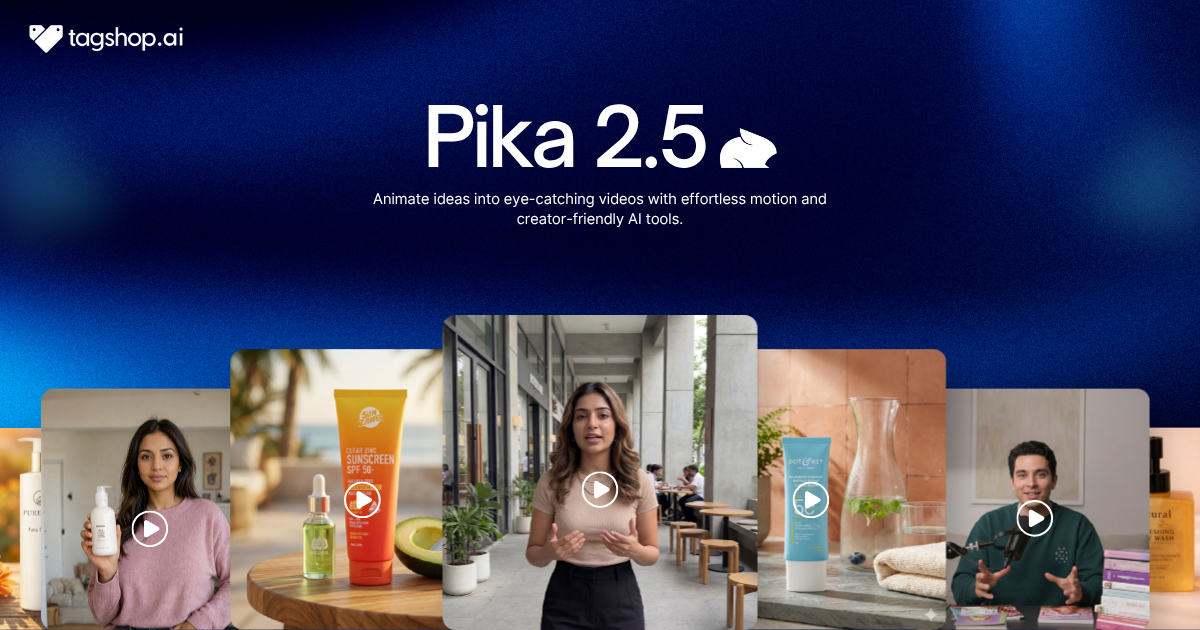







A UFO hovering over a supermarket parking lot at night. A grandma breakdancing under disco lights. A pair of sneakers sprinting down the street with nobody in them. A penguin dancing on a boardroom desk while the meeting carries on around it. One AI model made all of these and made them look right.
That’s the thing about Pika 2.5, its range. Where a lot of video models are happiest with safe, realistic shots, Pika leans into the strange and the specific: fantasy, cartoon, absurd, and pulls it off. If your job is to stop the scroll, that imagination is the whole point.
Pika 2.5 is the newest model from Pika Labs, and it handles both text-to-video and image-to-video, so you can dream up a scene from scratch or animate a still you already have. It’s available in the Tagshop AI Asset Generator. Here’s what it’s great at, where it makes you work for it, and how to run it on Tagshop AI.
So What Exactly Makes This One Different?
Pika 2.5 is Pika Labs’ latest AI video model. You describe a scene or upload an image, and it generates a short video, up to five or ten seconds, in whatever style you ask for.
The short version of what makes it stand out: creative range. Plenty of models can produce a clean, realistic clip. Fewer can take an odd, imaginative prompt, sneakers running on their own, a knight scrolling a phone on a couch, an alien waiting at a bus stop, and actually make it work. Pika 2.5 is built for that kind of range across fantasy, cartoon, and realistic looks.
It’s also approachable. You get simple, useful controls, resolution, aspect ratio, negative prompts, clip length, plus text-to-video, image-to-video, and frame uploads. It’s less a heavy production suite and more a fast, flexible tool for turning ideas into short clips.
Pika 2.5 at a Glance
| Spec | Pika 2.5 |
|---|---|
| Developer | Pika Labs |
| Type | Text-to-video and image-to-video |
| Biggest strength | Creative range across styles |
| Clip length | 5 – 10 seconds |
| Controls | Resolution, aspect ratio, negative prompt, frame upload |
| Styles | Fantasy, cartoon, realistic, and more |
| Best at | Imaginative concepts, image animation, scroll-stopping social |
| Available on | Tagshop AI |
The Features That Actually Matter
It Actually Attempts the Weird Stuff
This is the reason to reach for it. Pika 2.5 takes imaginative, unusual prompts and makes them look intentional, whether that’s a fantasy UFO scene, a cartoon chase, or a realistic-but-absurd moment. Most models play it safe. Pika swings.
Where it falls short: it rewards precise language and punishes vague prompts. Ask for “sneakers running” and it may put them on someone’s feet. Say “a pair of sneakers running down the street on their own, no legs, with motion lines for speed” and it nails it. Be literal about what you want.
Why it matters: scroll-stopping creative is often the weird, specific idea, and a model that can execute those is worth more to a social feed than one that only does safe.
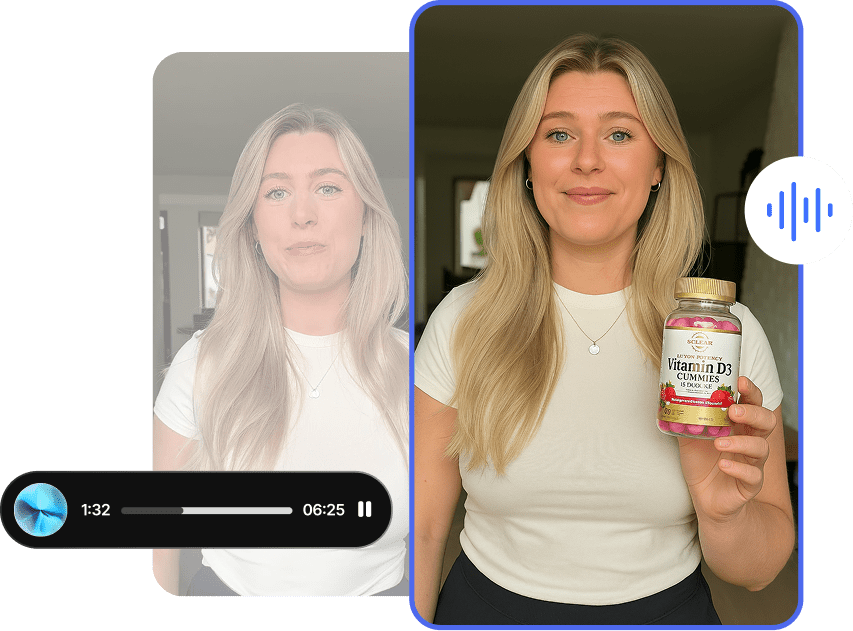
Bring a Still Image to Life, Then Add to It
Beyond generating from text, Pika 2.5 animates images you already have, and it can add a described element to an existing scene. Drop a penguin onto a boardroom desk and have it dance, animate an alien waiting in the rain, bring a product still to life. This is where it gets genuinely useful for brand work through image-to-video.
Where it falls short: added characters don’t always react the way you asked. Tell the businessman to look surprised at the dancing penguin and he may keep presenting like nothing’s happening. Reactions and emotions are the weak spot.
Why it matters: animating your own images and adding playful elements to them is how you turn static brand and product visuals into motion without reshooting anything.
Specific Gestures, Done Specifically
When you describe an action clearly, Pika 2.5 delivers it. A knight tilting his head in confusion with the helmet moving along, an alien folding its arms and glancing up at a streetlight, these specific, described gestures come out as intended.
Where it falls short: motion can occasionally go off-script, a clip meant to move forward might drift into reverse, so complex movement is worth a second generation.
Why it matters: reliable, specific gesture control is what lets you direct a character’s small, believable actions rather than accepting whatever the model improvises.
Simple Controls, Built for Speed
Pika 2.5 keeps the settings approachable: pick your resolution, set an aspect ratio, add a negative prompt to keep unwanted things out, upload a starting image or frames, and choose a five or ten second length. It’s fast to work with.
Where it falls short: clips top out at ten seconds, so this is a short-form tool, not the one for a long continuous ad.
Why it matters: for social, ads, and quick creative tests, short and fast is exactly right, and the low friction means you can iterate on an idea in minutes.
Putting Pika 2.5 to Work on Tagshop AI
It runs in the Tagshop AI Asset Generator. The one habit that will save you the most rerolls: be specific. Pika does its best work when your prompt leaves little to interpret.
Step 1. Start from text or an image.
Paste your product URL or upload assets, or generate a clean base image first with an image model like Nano Banana 2, then animate it. You can also upload frames to guide the clip.
Step 2. Choose Pika 2.5 and set it up.
Select Pika 2.5, set your resolution, aspect ratio, and clip length, and add a negative prompt for anything you want to avoid. Then write your prompt precisely. Spell out the action, the style, and any element you want added to the scene.
Step 3. Generate, refine, and export.
Review the clip, and if the motion drifts or a reaction is missing, tighten the wording and run it again. Export in your chosen format and publish.
7 Pika 2.5 Prompts Worth Stealing
The rule with Pika 2.5 is precision. Say exactly what moves, how, and in what style. Swap the bracketed parts.
1. Imaginative concept (text-to-video)
A glowing UFO hovering above a supermarket parking lot at night. Shoppers stop and look up in surprise, car headlights sweep across the scene. Cinematic lighting, slow push-in. Realistic style.
2. Cartoon-style scene
A pair of sneakers running down the street on their own, no legs and no person, with exaggerated motion lines to show speed. Their owner chases them in the background, waving. Bright cartoon style.
3. Animate your product (image-to-video)
From the uploaded product image, animate a slow, smooth rotation as light glints across the surface, then a gentle settle. Keep the product exactly as shown. Clean, premium look.
4. Add an element to a scene
In the uploaded scene, add a small [character/object] on the [surface] that [specific action, e.g. dances with rhythmic movements]. Keep the rest of the scene still and consistent.
5. Precise character gesture
A [character] sitting on a couch, holding a phone awkwardly. They tilt their head to the side as if confused, then glance back at the screen. Small, believable movements. Realistic style.
6. Fantasy cinematic
A knight in glowing armor standing on a cliff at dusk as embers drift past. Their cape lifts in the wind and they slowly raise their sword. Epic, cinematic lighting, dramatic sky.
7. Social clip with negative prompt
[Your scene and action], vertical 9:16, vivid and punchy for social. Negative prompt: blurry, distorted faces, extra limbs, text artifacts.
Where This Actually Earns Its Keep
Social creators. The pain is standing out in the feed. Pika 2.5’s range turns odd, memorable ideas into reels and short clips that stop the scroll where a safe, generic clip wouldn’t.
Performance marketers. The pain is testing enough creative angles. Fast, short, imaginative clips let you try concept after concept cheaply and find the one that hooks.
Ecommerce. The pain is bringing product images to life. Image-to-video animates your existing product shots, and you can add playful elements without a reshoot.
Agencies. The pain is pitching ideas quickly. Pika 2.5 is a fast way to visualize a creative concept, however unusual, before committing real budget to it.
Brand and content teams. The pain is dull, repetitive video. A model that handles fantasy, cartoon, and realistic styles gives you variety without a different tool for each look.
Pika 2.5 vs Hailuo 2.3 vs Seedance 2.5 vs Kling 3.0 vs Wan 2.7: The Honest Read
An honest comparison across the video models in the Tagshop Asset Generator.
| Model | Developer | Biggest Strength | Best Use | On Tagshop AI |
|---|---|---|---|---|
| Pika 2.5 | Pika Labs | Creative range and image animation | Imaginative, scroll-stopping short clips | Yes |
| Hailuo 2.3 | MiniMax | Motion realism through action | Action, dance, dynamic ads | Yes |
| Seedance 2.5 | ByteDance | 30-second continuous take | Long single-take ads | Yes |
| Kling 3.0 | Kuaishou | Multi-shot storytelling with audio | Sound-driven short stories | Yes |
| Wan 2.7 | Alibaba | Open-source control tools | Editable, controllable production | Yes |
My recommendation: if you want imaginative, playful, concept-driven short clips, or you want to animate images with a specific idea in mind, Pika 2.5 is the pick, because range and image animation are where it shines. For realistic motion and action, choose Hailuo 2.3. For one long continuous take, Seedance 2.5. For dialogue and multi-shot stories, Kling 3.0. They all live in the AI Asset Generator, so you can match the model to the idea.
The Real Pros and Cons
What’s genuinely good
- Real creative range across fantasy, cartoon, and realistic styles.
- Strong image-to-video, including adding described elements to a scene.
- Reliable on specific, well-described gestures and actions.
- Simple, useful controls: resolution, aspect ratio, negative prompt, frames.
What still needs you
- It demands precise prompts. Vague wording gets misread, sometimes literally.
- Facial emotion is weak, especially on small or background subjects, and requested reactions can be ignored.
- Motion occasionally drifts off-script, so complex movement may need a second pass.
- Clips top out at ten seconds. This is a short-form tool, not a long-form one.
The Takeaway: For the Ideas Other Models Won’t Even Try
Pika 2.5 is for the ideas other models can’t quite handle. Its range across fantasy, cartoon, and realistic styles, plus strong image-to-video, makes it the model to reach for when the concept is imaginative and the goal is to stop the scroll. It asks you to be precise, it’s shaky on facial emotion, and it keeps clips short. But for playful, concept-driven creative and for animating the images you already have, it’s one of the most fun and flexible tools available right now.
Frequently Asked Questions
Pika 2.5 is Pika Labs’ latest AI video model. It generates short videos from text or from an image, and it’s known for creative range, handling fantasy, cartoon, and realistic styles, and for animating images. It’s available on Tagshop AI.
Imaginative, unusual concepts and image animation. It’s the model to choose for scroll-stopping, creative short clips, and for bringing a still image or product shot to life, rather than for long, dialogue-heavy, or purely realistic production.
Both. You can generate a clip from a text prompt, animate an image you upload, or guide the result with frame uploads. Animating your own images is one of its most useful features for brand and product work.
Five or ten seconds. Pika 2.5 is a short-form tool, which suits social content, ads, and quick creative tests. For one long continuous take, Seedance 2.5 is the better fit.
Be precise. Spell out exactly what moves, how it moves, and the style you want, and use a negative prompt to keep unwanted things out. Vague prompts get interpreted literally, so the more specific you are, the closer the result.
It’s the weak spot. Emotions and reactions, especially on small or background characters, don’t always land, and requested reactions can be ignored. Keep expressive faces large and central, and don’t rely on subtle emotion.
Pika 2.5 is available inside the Tagshop AI Asset Generator; see Tagshop AI pricing for current plans. Start from text or an image, choose Pika 2.5, set your options, prompt precisely, and export.
Written by:

Kashish Vaswani is a Content Strategist at Tagshop AI, specializing in AI-powered marketing, UGC advertising, and eCommerce content. She creates actionable guides, industry insights, and product-focused resources that help brands, marketers, and creators leverage AI to produce high-converting video ads and scale their content strategy with confidence.
 Add Tagshop.ai as a preferred source in Google Search







 Introducing

 Wan 3.0 is now live on Tagshop AI
